9
Operating the telephone, menu overview
Gigaset A2 / gb / A31008-A002-B001-1-6Z19 / guidance.fm / 23.07.2003
Operating the telephone, menu overview
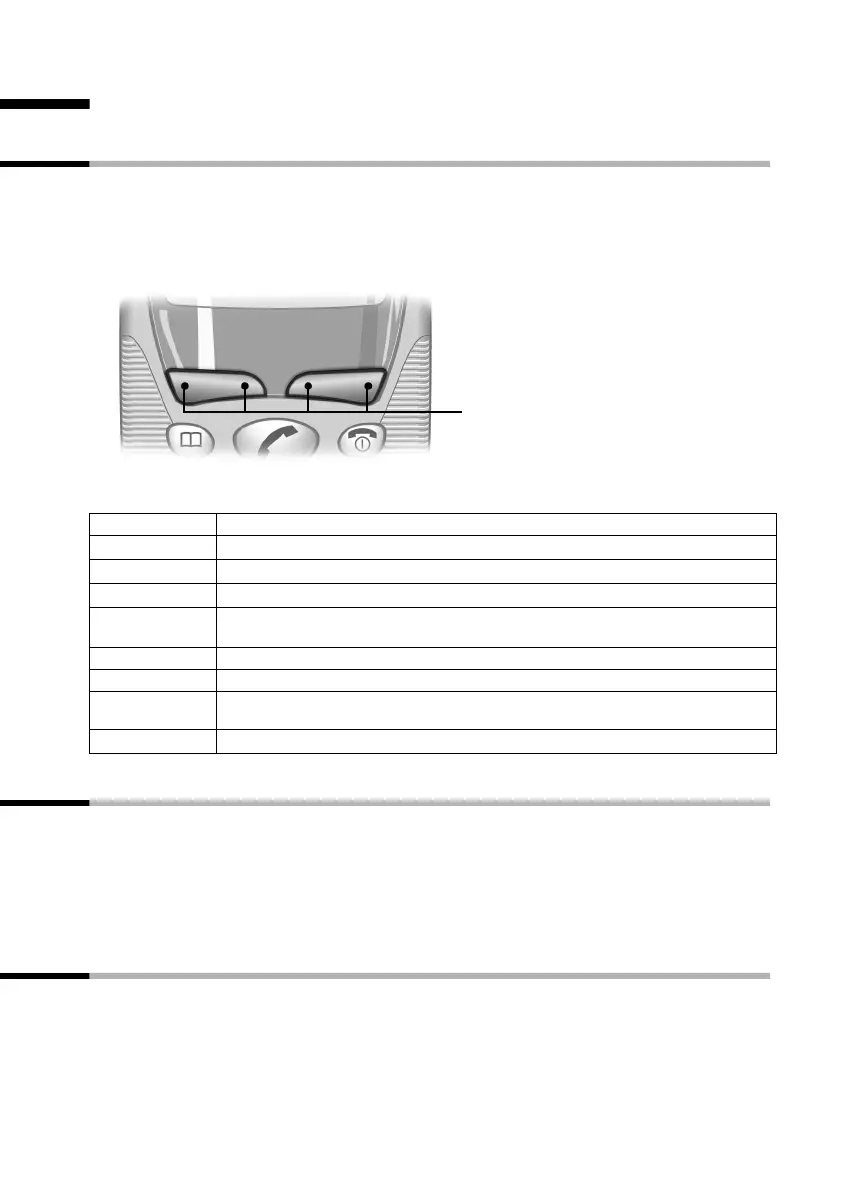
Display keys
Display keys are the long keys directly below the display. Your handset has two display
keys. Each of these is operated like a rocker key, i.e. it can be pushed down on the left-
hand as well as the right-hand side. Dependent on the current operating status and
which side of the key you press, you will call up a particular function. This function is
shown directly above the display key.
The various display symbols have the following meanings:
Advisory tones
Your handset will inform you acoustically about certain actions and situations.
◆ Rising tone sequence (confirmation tone):
The action has been carried out or the entry is correct.
◆ Falling tone sequence (error tone):
The function has not worked or the entry is incorrect.
Display in idle status
Return from any position in the menu to idle status
Press the end call key a for around 1 second, or do not press any key. After 60 secs. the
display will automatically return to idle status.
Changes that you have not confirmed by pressing OK will be rejected.
Display keys
ÞÜ
INT MENU
Display symbol Meaning when pressed
Þ
Last number redial Opens a list of the last 5 numbers dialled (page 15)
Ü
Mailbox symbol: Open the calls list (page 15).
[______ ]
INT
Internal: Opens the list of internal phones.
[______________ ]
MENU
Menu: Activates the main menu when in standby.
Activates a status-dependent menu when in talk mode.
t or s Scrolls up or down.
u or v Moves cursor to the left or right.
ß Delete key: Delete input from right to left one character at a time. Deletes char-
acter by character, from the right to the left.
[______]
OK
Confirm menu function or confirm an input and store.



 To Next Page