12
Calling
Gigaset A2 / gb / A31008-A002-B001-1-6Z19 / telephony.fm / 23.07.2003
Calling
Making external calls and ending a call
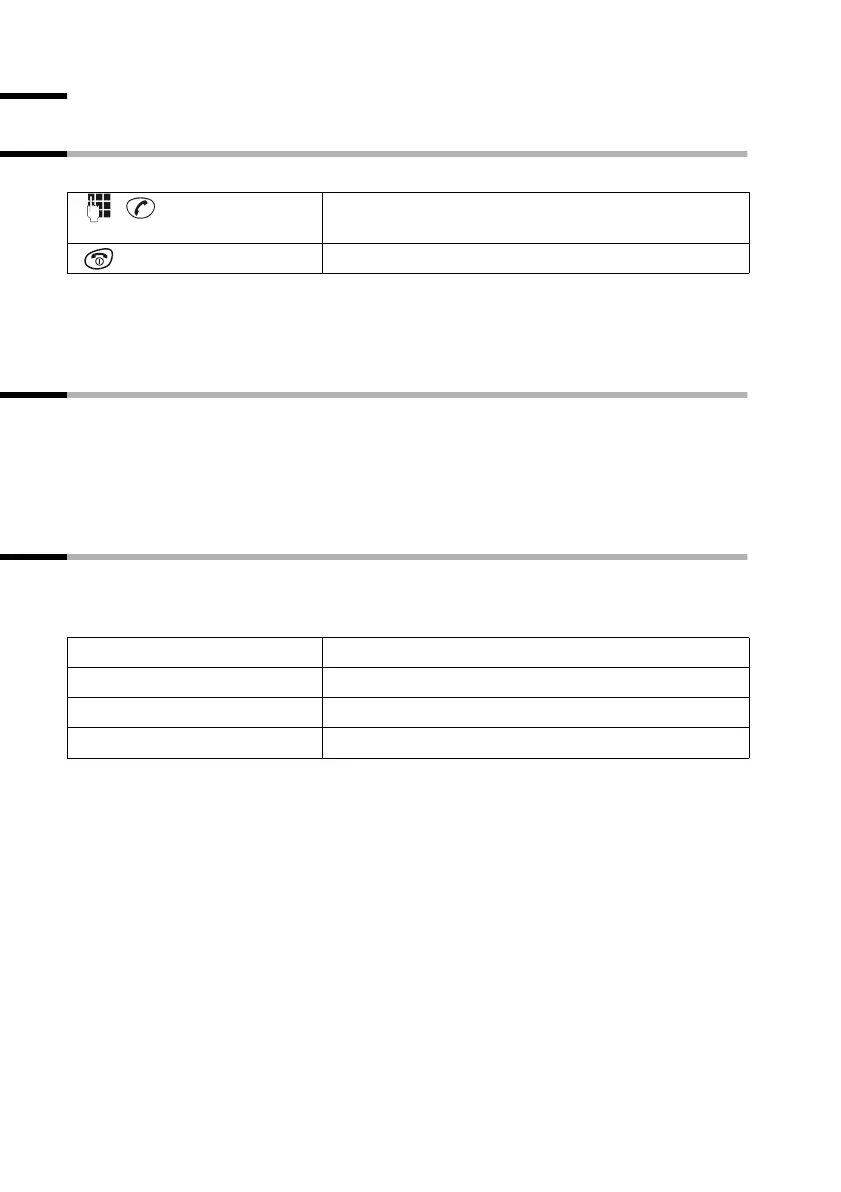
External calls are calls using the public telephone network.
◆ You can also first press the talk key c (you hear a dial tone) and then enter the
phone number.
◆ You can use the end call key a to cancel dialling.
Answering a call
Your handset rings, and the call appears in the display. Press the talk key c, to answer
the call. If the auto answer function is activated (page 17), you just need to lift the hand-
set out of the charger to take the call.
If the ringer is intrusive, press the display key MENU and confirm SILENT with OK.
You can answer the call as long as it is shown in the display.
Muting the handset
You can mute your handset during external calls, e.g. if you wish to talk confidentially
to another person in the room. The external caller cannot hear your conversation during
this time (hold melody). You do not hear your caller either.
You can also cancel muting by briefly pressing the end call key
a.
Enter the phone number and press the talk key. The
phone number is dialled.
Press end call key.
[______ _]
INT
Press the display key. The call is 'held'.
To cancel muting:
[_______________]
MENU
Press display key to open menu.
[______________________________________________] [__________]
GO BACK OK
Confirm.



 To Next Page