7
Making the handset ready for service
Gigaset A2 / gb / A31008-A002-B001-1-6Z19 / starting.fm / 23.07.2003
Registering the handset on the base
You must initiate handset registration on the handset and on the base.
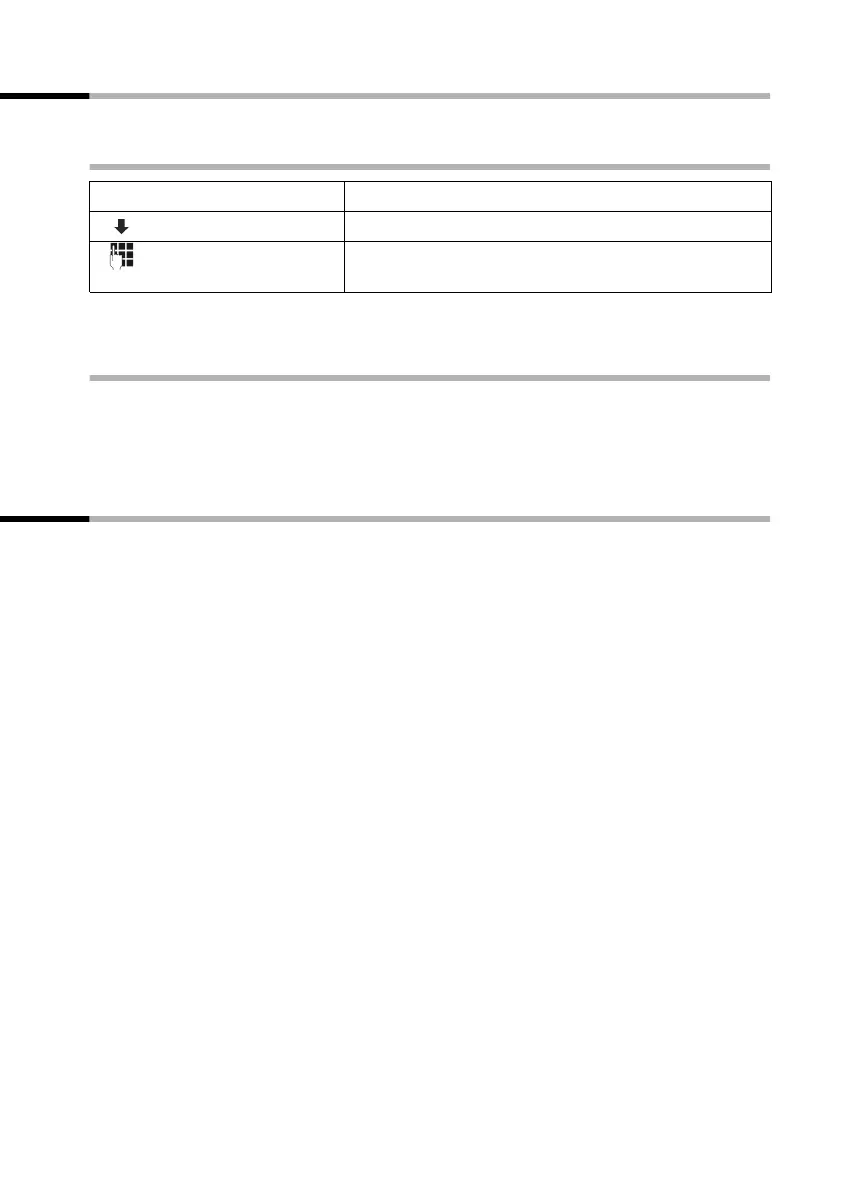
1. At the handset
During the following registration process, all symbols will flash in the display.
2. At the base station
Within 60 secs. of entering the system PIN:
Press the registration/paging key on the base for approximately 3 seconds (see also the
operating instructions for the base). The registration process then starts. When registra-
tion is successful, the handset is automatically assigned the lowest unassigned number.
Charging batteries
Leave the handset in the charger for the batteries to charge – the batteries are supplied
uncharged. The battery charging process is indicated on the handset by a flashing bat-
tery symbol
V.
Once the batteries have been charged, your phone is ready for service. You need to set
the date and time to ensure that the time of incoming calls can be noted correctly
(page 11).
◆ We recommend initially charging the batteries without interruption for the amount
of time listed in the table (page 19) – irrespective of the charging status icon! Bat-
tery capacity reduces for technical reasons after a period of time.
◆ Once initial charging is complete, you can replace your handset in the charger shell
after each call. Charging is controlled electronically. This ensures optimum battery
charging without overloading.
◆ The batteries warm up during charging – this is normal and not a cause for concern.
[ _______________]
MENU
Press display key to open menu.
[__________] [______________________________________________] [__________]
REGISTER HS OK
Select and confirm.
[______]
OK
Enter the system PIN for the base station (default set-
ting: 0000) and confirm.



 To Next Page