11
Time functions
Gigaset A2 / gb / A31008-A002-B001-1-6Z19 / timecalendar.fm / 23.07.2003
Time functions
Setting the date and time
Settings for date and time are needed to ensure that these are shown correctly for
incoming calls. You can choose between a 12-hour and 24-hour display (default setting)
to display the time.
Date
MENU ¢ BASE SET ¢ DATE/TIME ¢ DATE SET
The current setting is displayed in the format DD-MM-YY.
Time
MENU ¢ BASE SET ¢ DATE/TIME ¢ CLOCK SET
The current setting is displayed in the format HH-MM.
Setting the time display
MENU ¢ BASE SET ¢ DATE/TIME ¢ CLOCK MODE
The display can be in 12-hour or 24-hour mode.
[______]
OK
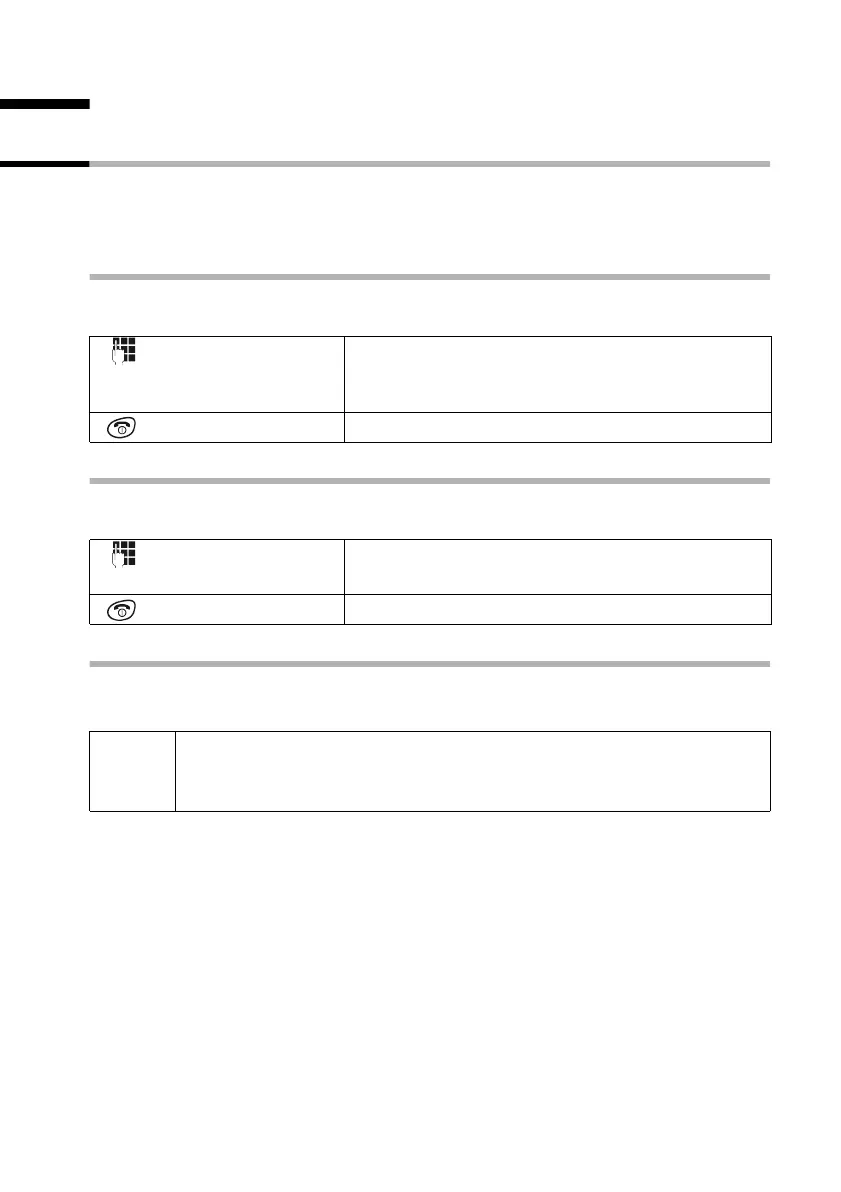
Enter day/month/year and confirm. For example:
Press the keys 2 Q Q 5 Q I for
"20.05.2003".
Hold down (return to idle status).
[______]
OK
Enter hours/minutes. For example:
Press the keys 1 O Q 5 for "19.05".
Hold down (return to idle status).
i
If 12-hour mode is used, "19.05" must be entered as Q M Q 5,
confirm with
OK and then confirm PM OK for the 2nd half of the day
(AM = 1st half; PM = 2nd half).



 To Next Page