22
Template Go, Version 1, 01.07.2014 / ModuleVersion 1.0
Local answer machine (A170A/A270A only)
Gigaset A170-A170A / A270-A270A / LUG GR-IE-MEA-UK-International en / A31008-M2802-B101-1-4N19 / telephony.fm / 9/
Operation when on the move (remote operation)
You can check and activate your answer machine from any other telephone (hotel, pay phone
etc.).
Switching on the answer machine
¤ Call the telephone connection and let it ring until the announcement "Please enter your PIN"
(approx. 50 seconds) . . . Use to enter the telephone's system PIN within 10 seconds . . .
The answer machine is switched on, the remaining memory is announced, messages are
played back
Checking the answer machine
¤ Call the telephone connection . . . press key during the announcement . . . the
announcement is interrupted enter the system PIN
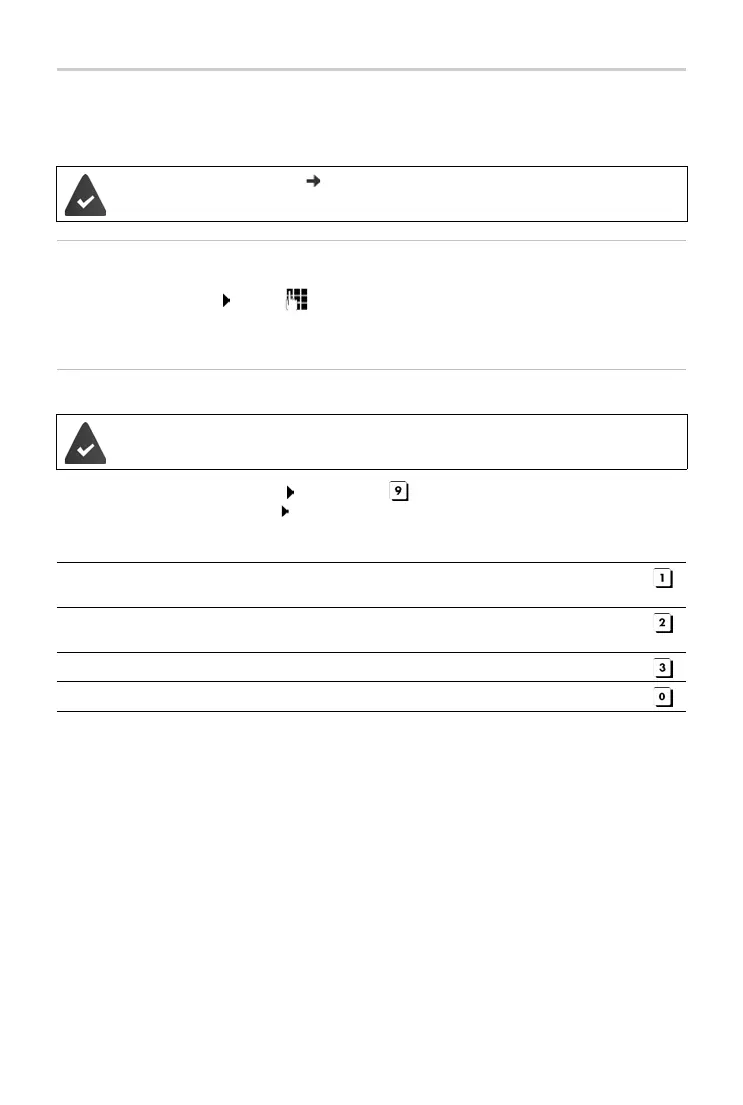
The answer machine is operated using the following keys:
The system PIN is not 0000 ( p. 30).
T
he other telephone has tone dialling (DTMF).
The answer machine is activated.
During playback of the info block: Skip to previous message.
During message playback: Go to the start of the current message.
Pause playback. Press again to resume.
After a pause of approx. 60 seconds, the connection is ended.
Go to the next message.
During message playback: Delete current message.



 To Next Page