28
Template Go, Version 1, 01.07.2014 / ModuleVersion 1.0
Telephone settings
Gigaset A170-A170A / A270-A270A / LUG GR-IE-MEA-UK-International en / A31008-M2802-B101-1-4N19 / telephony.fm / 9/
Telephone settings
Call volume
The receiver volume can be set at 5 levels.
A170H:
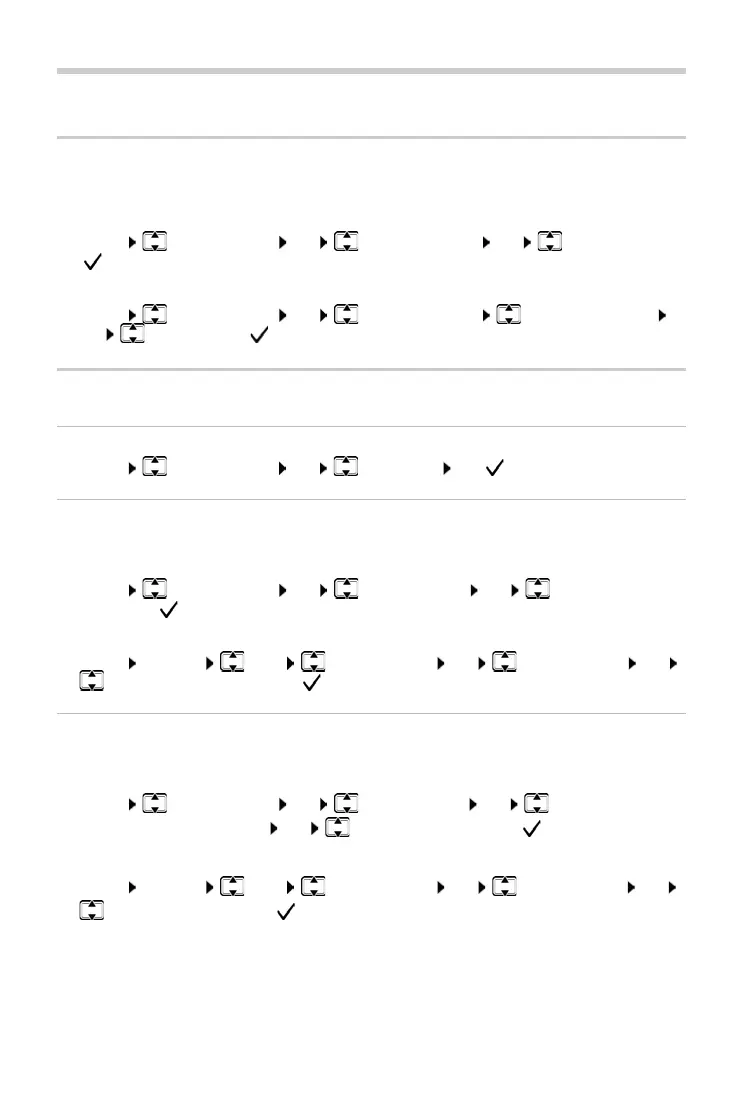
¤ MENU Audio Settings OK Handset Volume OK Select volume
( = selected)
A270H:
¤ MENU Audio Settings OK Handset Volume Earpiece / Speaker
OK Select volume ( = selected)
Ringtones
Activating/deactivating the ringtone
¤ MENU Audio Settings OK Ring Tones OK ( = activated)
Ringtone volume (ringer volume)
Adjust the volume of the ringtone on 5 levels or select the Crescendo tone.
Handset:
¤ MENU Audio Settings OK Ringer Volume OK Select volume or
Crescendo ( = selected)
A170A/A270A base:
¤ MENU Settings Base Audio Settings OK Ringer Volume OK
Select volume or Crescendo ( = selected)
Ringtone melody
Set the ringtone melody for external calls, internal calls and/or the alarm.
Handset:
¤ MENU Audio Settings OK Ringer Melody OK External Calls /
Internal Calls
/ Alarm Clock OK Select required ringtone ( = selected)
A170A/A270A base:
¤ MENU Settings Base Audio Settings OK Ringer Melody OK
Select required ringtone ( = selected)



 To Next Page