23
Gigaset A170-A170A / A270-A270A / LUG GR-IE-MEA-UK-International en / A31008-M2802-B101-1-4N19 / telephony.fm / 9/
Template Go, Version 1, 01.07.2014 / ModuleVersion 1.0
Network mailbox
Network mailbox
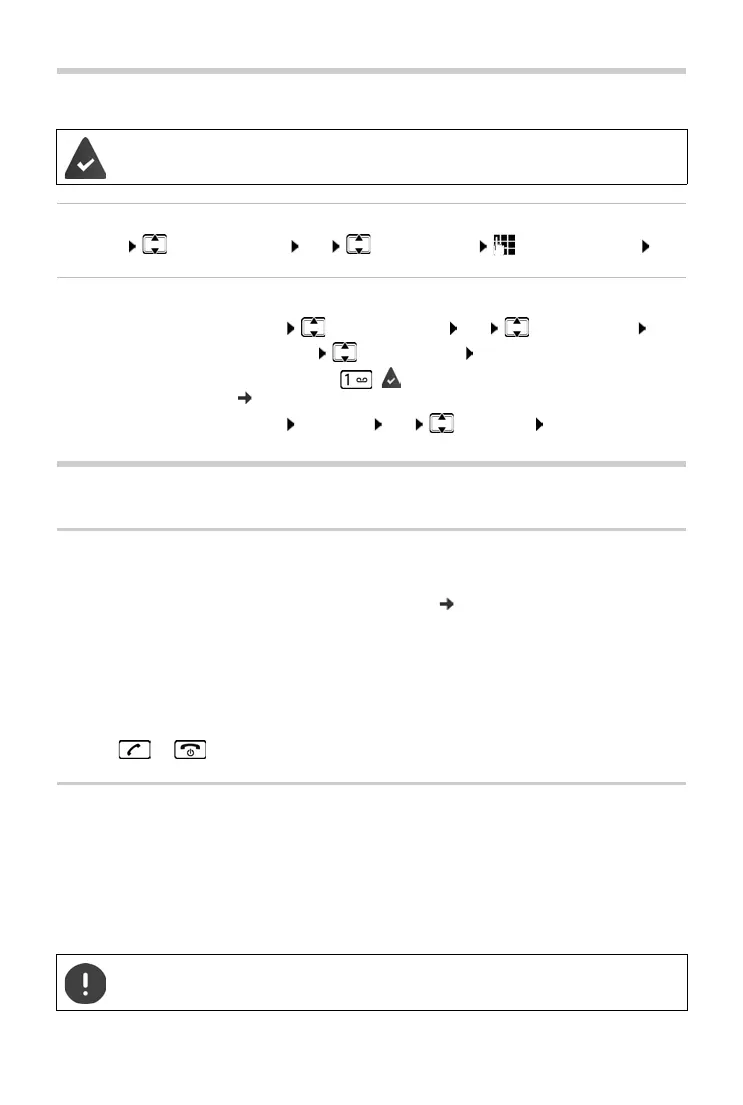
Entering the number of the network mailbox
¤ MENU Answer Machine OK Netw. Mailbox Enter the number OK
Playing back messages
Using handsets
Locating a handset – "Paging" (A170A/A270A only)
You can locate your handset using the base.
¤ Briefly press the Registration/paging key on the base ( p. 5).
All registered handsets will ring
at the same time ("paging"), even if the ringtones are switched
off.
Exit:
¤ Briefly press the Registration/paging key on the base
or
¤ press or on one handset
Registering a handset
You can register up to four handsets to your base. Handsets supplied with a base are already
registered to that base. Each additional handset must be registered to the base.
Registering by placing the handset in the base
¤ Place the handset in the base . . . The display Registering indicates that the handset has been
automatically registered
The network mailbox has been requested from the network provider.
From the menu:
¤ MENU Answer Machine OK Play Messages OK
A170A/A270A: Netw. Mailbox OK
From key 1:
¤ Press and hold ( Key 1 is allocated to the answer machine
p. 29)
From the message list:
¤ MENU Messages OK Netw.MBX OK
This registration procedure can only be carried out on the A170H / A270H handsets.



 To Next Page