Template Module, Version 2.1, 11.08.2020 / Template Basiseinstellungen: Version 3.1 - 07.07.2020
Handset
COMFORT 550 / 550A / LUG_Kombi IM-Nord en / A31008-M3001-R201-1-SM19 / starting_Kombi.fm / 4/11/22
12
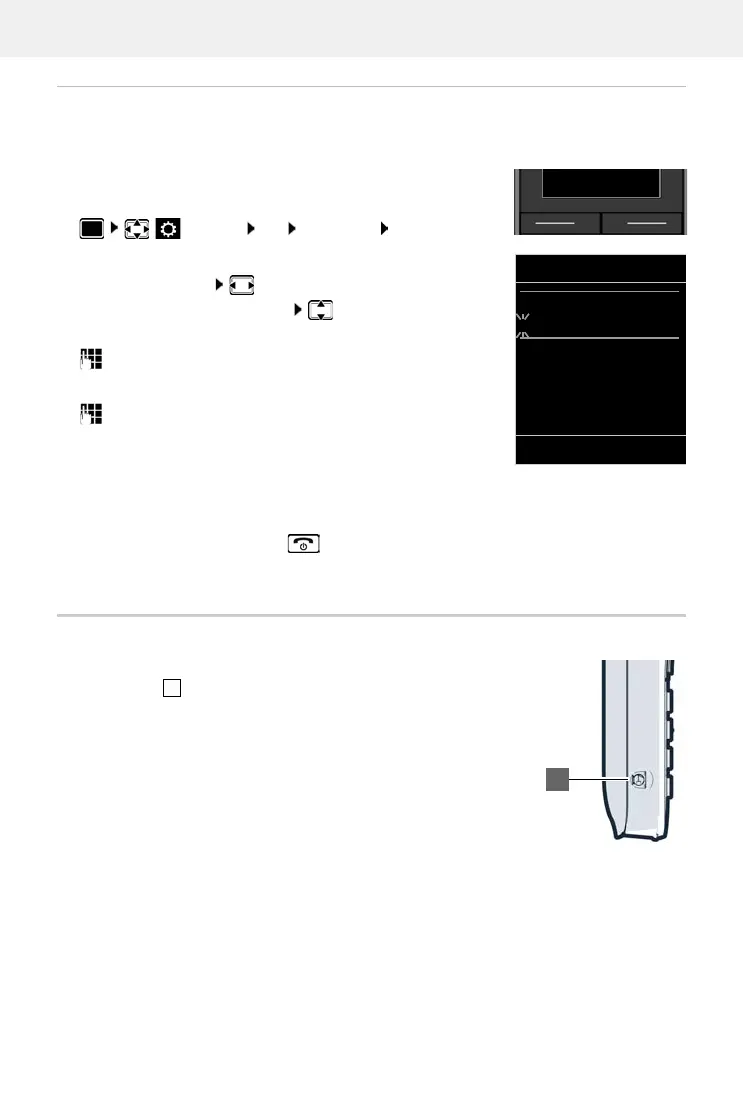
Setting the date and time
Set the date/time so that the correct date and time can be assigned to incoming calls and to
enable the alarm to be used.
The active input position flashes.
Change input position:
To switch between the entry fields:
Enter date:
enter the day, month and year in 8-digit format.
Enter time:
enter hours and minutes in 4-digit format.
Save settings:
Press the display key Save. . . . Saved is shown in the display and
a confirmation tone sounds.
Return to idle status:
Press and hold the End call key
The telephone is now ready for use.
Connecting the headset
Use the 3.5 mm jack to connect the headset to the left-hand side of
the handset .
The headset volume corresponds to the setting for the receiver
vo
lume.
Press the display key Time
or, if the date and time have already been set:
Settings OK Date/Time OK
Date/Time
Date:
15.08.2022
Time:
00:00
Back Save



 To Next Page