Template Module, Version 2.1, 11.08.2020 / Template Basiseinstellungen: Version 3.1 - 07.07.2020
Network mailbox
COMFORT 550 / 550A / LUG_Kombi IM-Nord en / A31008-M3001-R201-1-SM19 / answering_m_A.fm / 4/11/22
40
Network mailbox
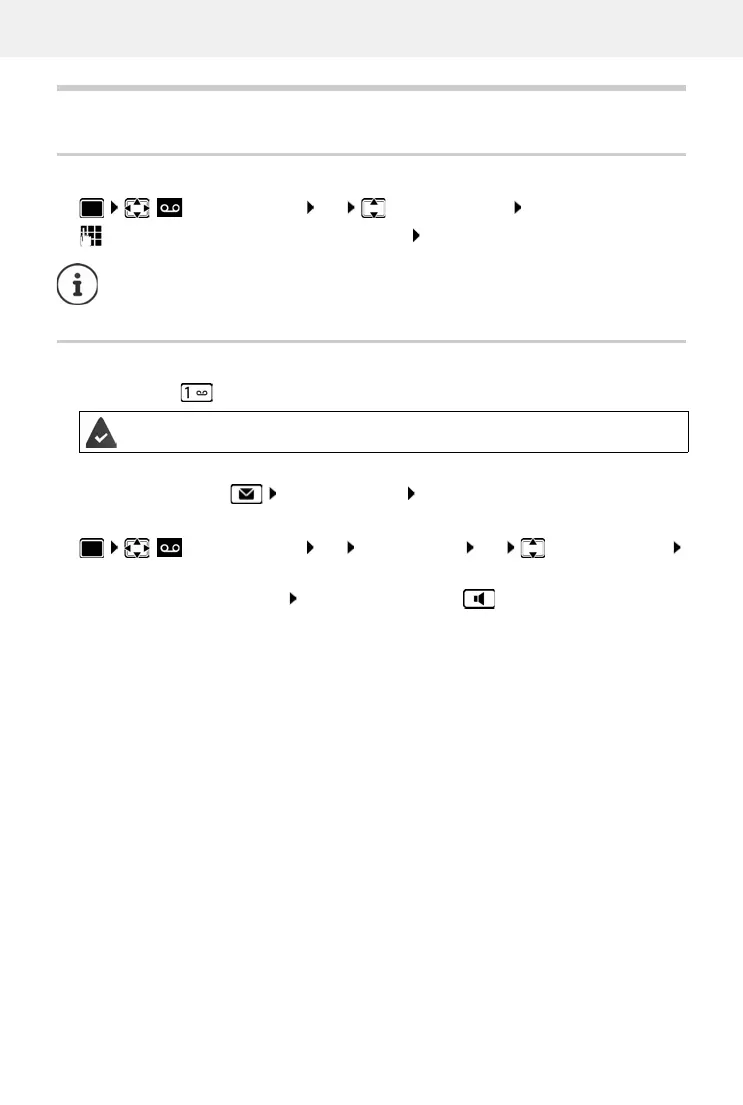
Enter number
enter or amend the network mailbox number Save
Playing back messages
Press and hold
or
Press the Message key Network Mailbox OK
or
Listen to announcement out loud: Press the handsfree key
Answer Machine OK Network Mailbox OK
To activate/deactivate the network mailbox use the phone number and a function
code of your network provider. Please contact the network provider if you require any
further information.
Key 1 has been assigned to the network mailbox.
Answer Machine OK Play Messages OK Network Mailbox
OK



 To Next Page