Template Module, Version 2.1, 11.08.2020 / Template Basiseinstellungen: Version 3.1 - 07.07.2020
SMS (text messages)
COMFORT 550 / 550A / LUG_Kombi IM-Nord en / A31008-M3001-R201-1-SM19 / applications_2.fm / 4/11/22
52
SMS (text messages)
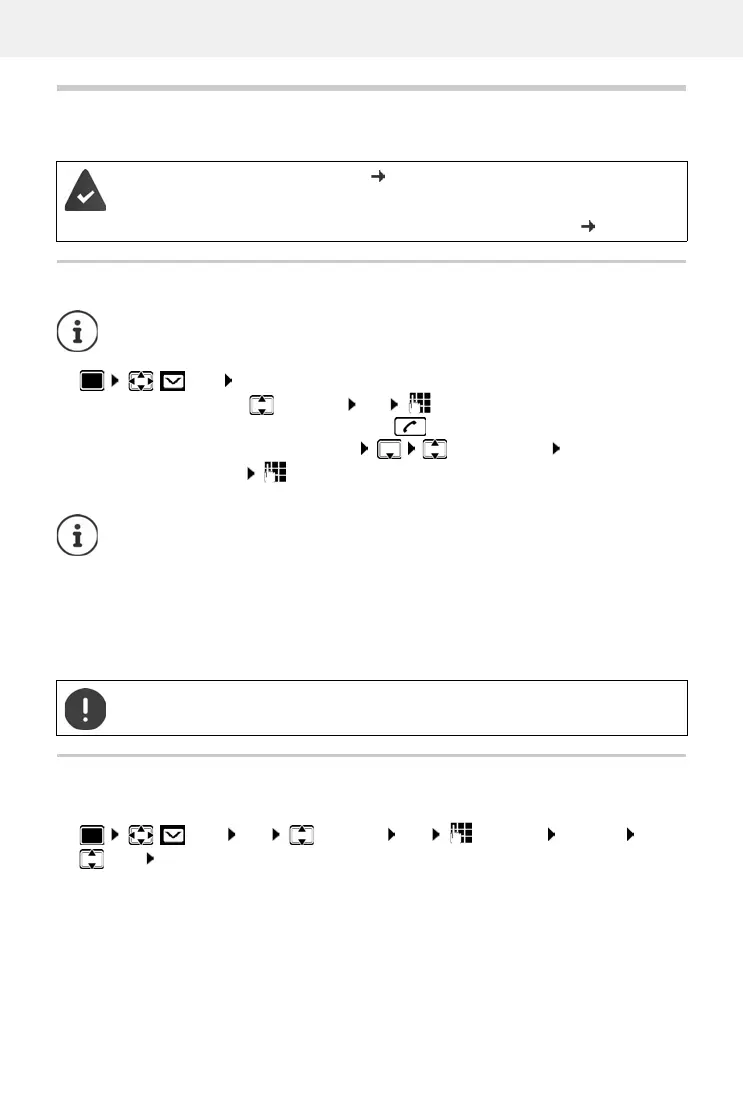
It is possible to send SMS messages as soon as the telephone has been connected.
Writing and sending SMS messages
Temporary storing of an SMS (draft message list)
You can temporarily store text messages, change and send them later.
Calling Line Identification is enabled ( p. 23).
T
he network provider supports the SMS service.
The call number of at least one SMS service centre has been entered ( p. 54)
An SMS may be up to 612 characters in length. If the number of characters exceeds
160, the SMS is sent as linked SMS messages (up to four individual SMS messages).
SMS OK . . . then
Write an SMS:
New SMS OK enter SMS text
Send an SMS:
Press the End call key
Enter number: From the directory: select number OK
or enter number directly
Send:
Send
The number must include the local area code (even if you are in that area).
If an external call comes in, or if you interrupt writing for more than 2 minutes, the text
is automatically saved in the draft message list.
If your network provider supports this feature:
• You can also send an SMS as a fax.
• You can also send an SMS to an email address. In such case, enter the email address
at the start of the SMS text.
Sending SMS messages may incur additional costs. Please consult your network
provider.
SMS OK New SMS OK write SMS Options
Save OK



 To Next Page