COMFORT 550 / 550A / LUG_Kombi IM-Nord en / A31008-M3001-R201-1-SM19 / applications_1.fm / 4/11/22
Template Module, Version 2.1, 11.08.2020 / Template Basiseinstellungen: Version 3.1 - 07.07.2020
Protection against unwanted calls
51
Transferring a caller number to the black list
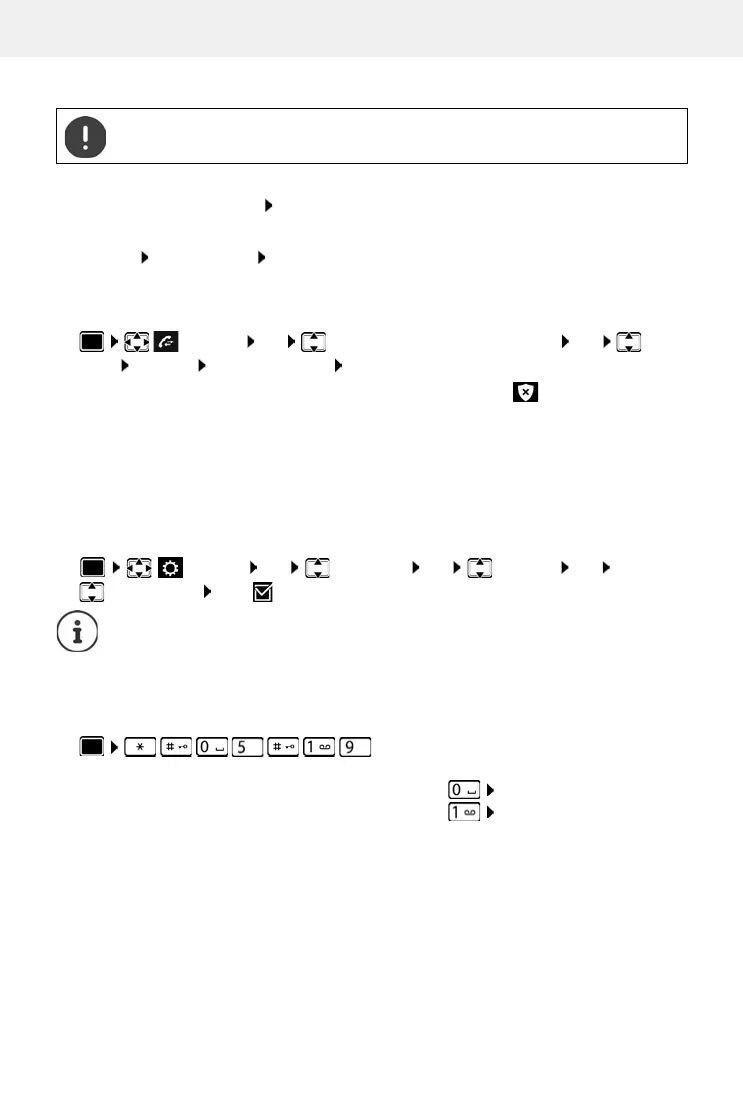
On incoming call (only possible when black list enabled)
Press the Display key Block Ye s . . . The phone number is saved to the black list
During a call
Options Block Number Ye s . . . The call is cancelled and the phone number saved to the
black list
Transferring a number from a call list to the black list
Calls from blocked numbers are displayed in the call list with symbol .
Dynamic black list
A spam number is not usually active for a long time. New call numbers are generated continually
for the same cold calls. However, the number of black list entries is limited by the storage space.
The black list is managed as a dynamic list. The oldest
number is removed from the list when the
list is full, and a new number is entered.
Enabling/disabling dynamic function:
Activating/deactivating first ring muting
When the black list is enabled, the first ringtone is always suppressed (to first analyse the black
list). Enabling/disabling suppression of the first ringtone (when the phone is idle):
Phone numbers transferred to the black list are only blocked when the black list is
enabled.
Call Lists OK select Accepted calls/Missed calls OK select
entry Options Copy to Blocklist OK
Settings OK Telep hony OK Blocklist OK
Dynamic List Edit ( = activated)
Numbers protected from deletion are not removed.
. . . the current setting flashes in the input field
(e.g. 1) . . . then
Do not mute the first ringtone:
OK
Mute the first ringtone (default setting):
OK


 To Next Page