Template Module, Version 2.1, 11.08.2020 / Template Basiseinstellungen: Version 3.1 - 07.07.2020
Making calls
COMFORT 550 / 550A / LUG_Kombi IM-Nord en / A31008-M3001-R201-1-SM19 / telephony.fm / 4/11/22
22
During a conversation
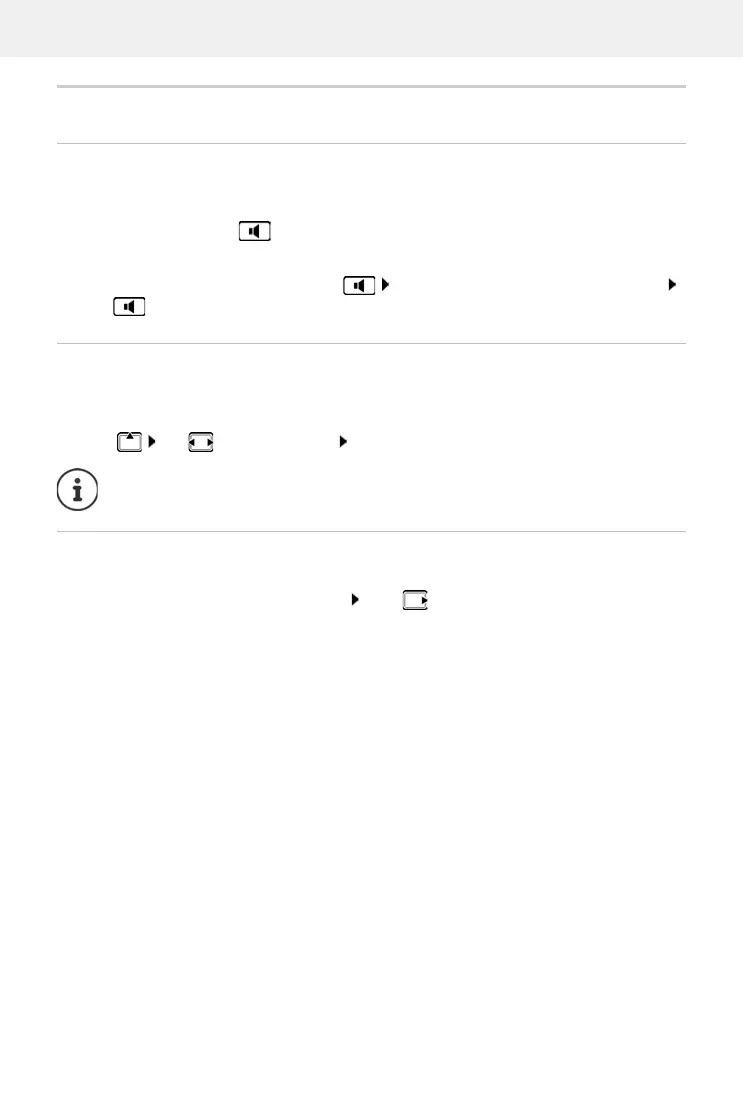
Handsfree mode
Activating/deactivating handsfree mode during a call, when establishing a connection and
when listening to the answer machine (where the system has a local answer machine):
Press the handsfree key
Call volume
Muting the microphone
When the microphone is switched off, callers will no longer hear you.
Switch the microphone on/off during a call: Press .
Placing the handset in the charging cradle during a call:
Press and hold down the handsfree key Place the handset in the charging cradle
hold for a further 2 seconds
Applies for the mode currently being used (handsfree
, receiver or headset, when the handset has
a headset connector):
Press use to set the volume Save
The setting is automatically saved after around 3 seconds, even if Save is not pressed.



 To Next Page