Template Module, Version 2.1, 11.08.2020 / Template Basiseinstellungen: Version 3.1 - 07.07.2020
Provider-specific functions (network services)
COMFORT 550 / 550A / LUG_Kombi IM-Nord en / A31008-M3001-R201-1-SM19 / netservices.fm / 4/11/22
24
Call waiting during an external call
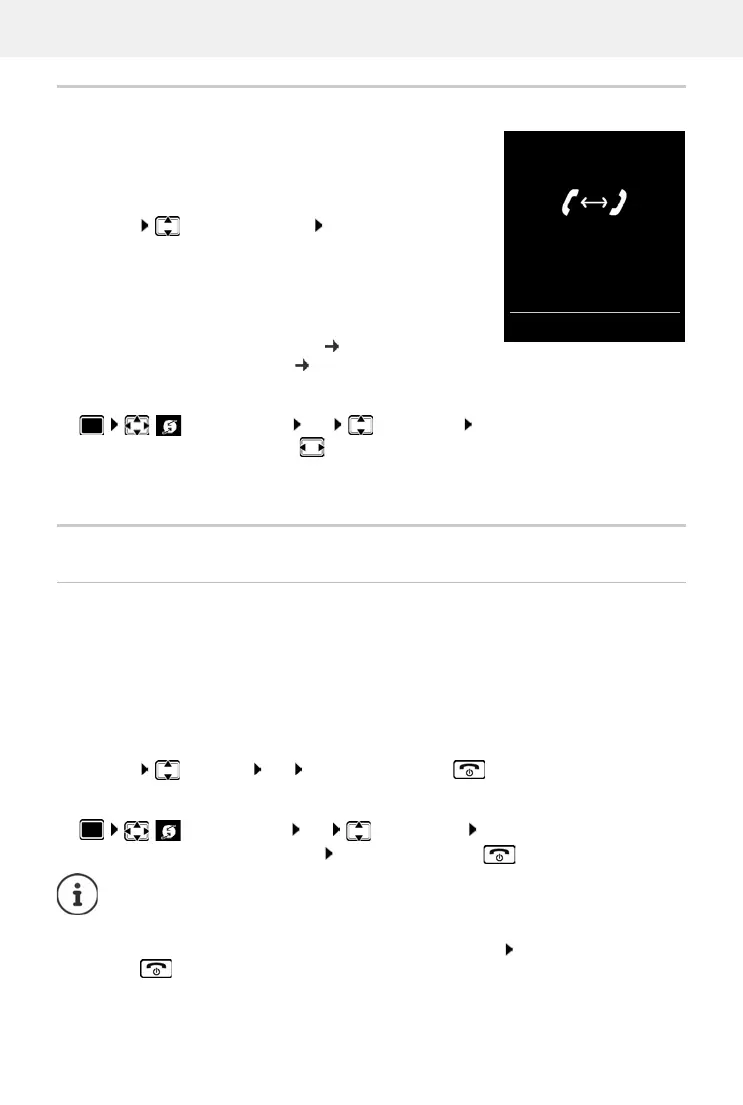
During an external call, a call waiting tone indicates another
external caller. If the number is being transferred, you will see the
number or the name of the caller on the display.
Reject waiting caller:
Options Reject waiting call OK . . . the waiting
caller hears the busy tone
Accept the waiting call:
Accept
Once you have accepted the waiting call, you can switch
b
etween the two callers (Call swapping p. 26) or speak to
both simultaneously ("Conference" p. 26).
Activating/deactivating call waiting
Call waiting is activated or deactivated for all registered handsets.
Ringback
If busy/no answer
If a call recipient is unavailable, you can initiate a ringback.
• If busy: The ringback takes place as soon as the participant in question terminates the
current call.
• If no answer: The ringback takes place as soon as the participant in question has made
another call.
Initiate ringback
Options Ringback OK Press the End call key
Cancelling ringback
Select Services OK Call Waiting OK . . . then
Switch on/off:
Status: select On or Off
Activate:
Send
Select Services OK Ringback Off OK . . . You will receive a confir-
mation from the telephone network Press the End call key
You can only activate one ringback at a time. Activating a ringback will automatically
cancel any ringback that is already active.
The ringback can only be received on the handset that activated the ringback.
If the ringback is indicated before you are able to cancel it: Press the End call
key
Call Waiting
1234567
Accept Options



 To Next Page