Template Module, Version 2.1, 11.08.2020 / Template Basiseinstellungen: Version 3.1 - 07.07.2020
Local answer machine (if available)
COMFORT 550 / 550A / LUG_Kombi IM-Nord en / A31008-M3001-R201-1-SM19 / answering_m_A.fm / 4/11/22
38
Settings
Recording a personal announcement/advisory message
The phone is supplied with pre-recorded announcements for announcement and advisory
mode. If a personal announcement has not been recorded, the relevant pre-recorded
announcement is used.
Listening to announcements/advisory messages
If the answer machine's memory is full, it will switch to Answer only mode.
Delete old messages . . . the answer machine switches back to Answer & record repeat any
recording
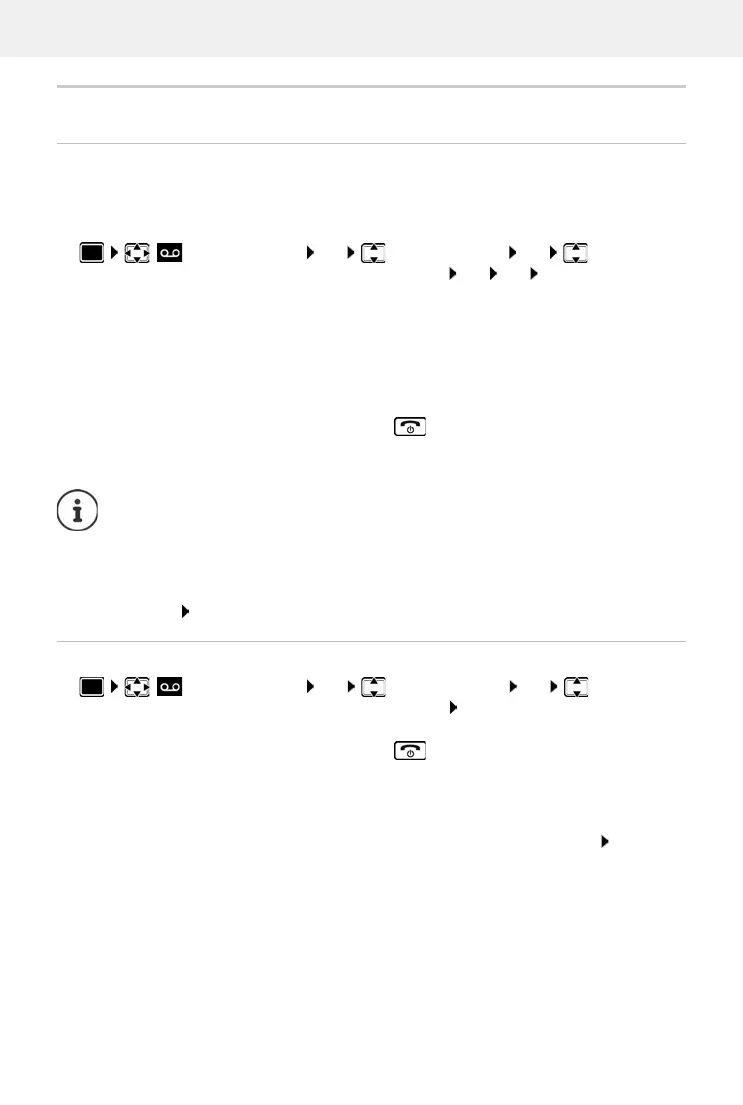
Answer Machine OK Announcements OK switch
between Record Announcem. and Rec. Advisory Msg. OK OK record your
announcement message (at least 3 seconds) . . . possible options:
Complete the recording and save:
End . . . the announcement is played back for you to check
Repeat the recording:
New
Cancel the recording:
Press the End call key or Back
Resume the recording:
OK
Recording ends automatically if the maximum recording time of 170 seconds is
exceeded or there is a break in speech for more than 2 seconds.
If the recording is cancelled, the default announcement is used.
The recording is cancelled or not started if the answer machine memory is full.
Delete old messages . . . the answer machine switches back to Answer & record
mode repeat the recording, if needed
Answer Machine OK Announcements OK switch
between Play Announcement and Play Advisory Msg. OK . . . the announcement is
played back . . . possible options:
Cancel playback:
Press the End call key or Back
Cancel playback and record a new announcement:
New



 To Next Page