COMFORT 550 / 550A / LUG_Kombi IM-Nord en / A31008-M3001-R201-1-SM19 / settings_HS.fm / 4/11/22
Template Module, Version 2.1, 11.08.2020 / Template Basiseinstellungen: Version 3.1 - 07.07.2020
Handset
65
Testing DECT encryption
When this function is enabled, the handset tests whether the DECT connection to the base is
secure, i.e. is encrypted. If not, a message is shown on the display.
If, on the base, encryption is disabled at a later time whilst the secure connection test is enabled
(because a repeater needs to be connected for example), Press ’info’ to read security info is
shown on the handset.
Info . . . the situation is explained Sec. off . . . the secure connection test is disabled
During a call
A sound and a message on the display indicate when
encryption is disabled on the base during
a call.
If neither is pressed, the call is stopped automatically after a certain time.
Testing the secure connection status during a call:
Press the Hash key for a longer time . . . the secure connection status is shown on the
display
Resetting a handset
Reset any individual settings and changes that you have made.
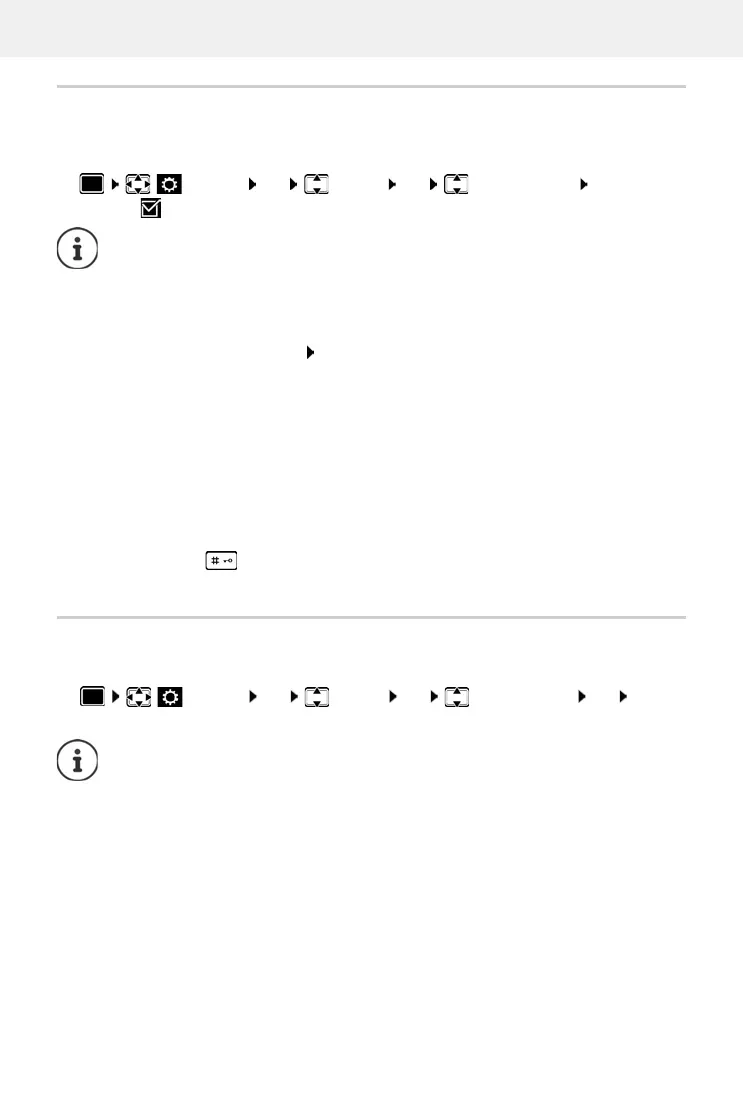
Settings OK System OK Security Check
Change ( = enabled)
If a repeater without encryption is used, the secure connection test must be disabled.
Continue call:
Ye s
Stop call:
No
Settings OK System OK Handset Reset OK Yes . . .
the handset's settings are reset
The following settings are not affected by a reset
• Registration of the handset to the base station
• Date and time
• Directory entries and call lists
• SMS lists



 To Next Page