4
Using the display keys
Gigaset C300-C300A/CS310-CS310A / GBR / A31008-M2223-L101-4-7619 / overview.fm / 13.09.2012
Version 4, 16.09.2005
Other display icons:
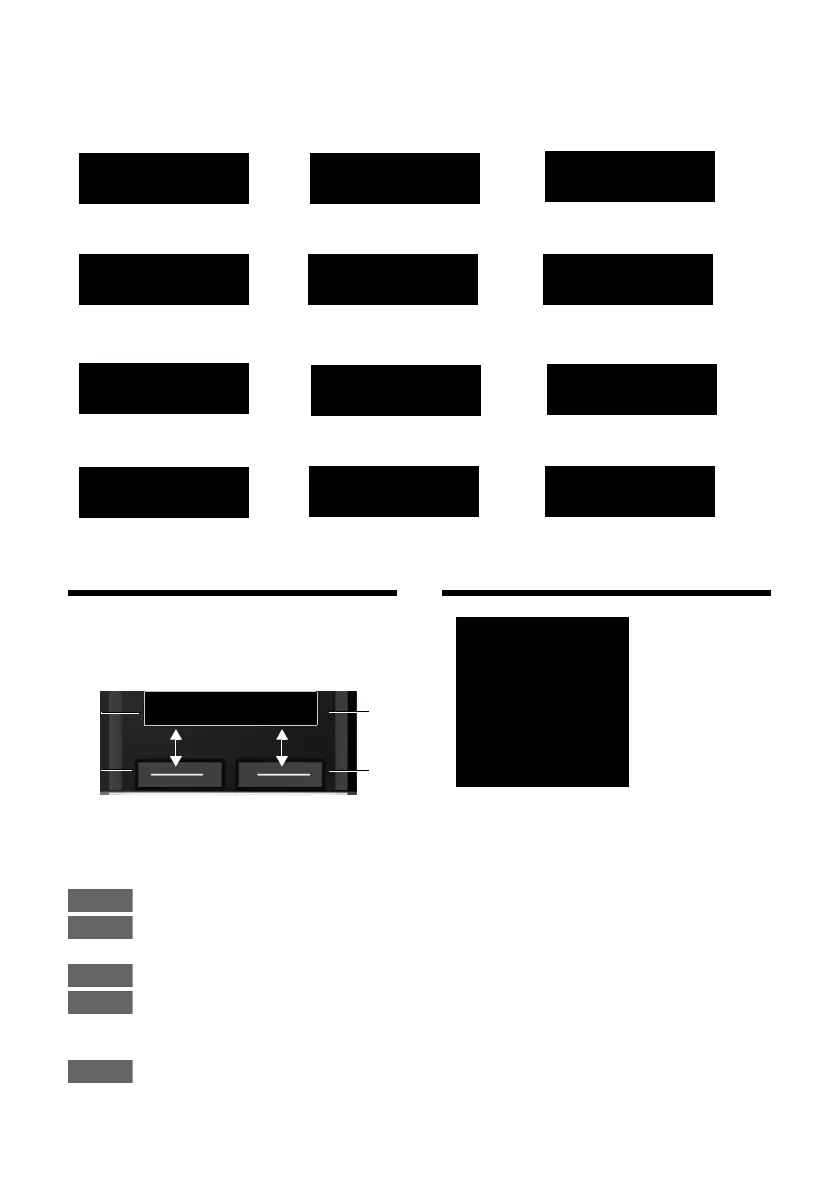
Using the display keys
The functions of the display keys change
depending on the particular operating situ-
ation. Example:
Important display keys:
Open redial list.
Open a menu for further func-
tions.
Confirm selection.
Delete key: Delete character by
character/word by word from
right to left.
Go back one menu level or can-
cel operation.
Main menu icons
Information on using the menus ¢ page 19
Menu overview ¢ page 23
Information

Û
Query
Please wait...
À
Action failed
μ
Action complete
Ð
Establishing a connection
Ø
Ü
Ú
External call (¢ page 25)
ؼÚ
Alarm call (¢ page 46)
z
Ø
þ
Ú
Answering machine
is recording (¢ page 39)
Connection established
W
Connection cannot
be established or con-
nection interrupted
X
Ø
å
Ú
Internal call (¢ page 47)
1
Current display key function
2
Display keys
1
2
1
2
Ë
SMS
ì
Alarm Clock
Ì
Voice Mail
Ï
Settings



 To Next Page