62
Appendix
Gigaset C300-C300A/CS310-CS310A / GBR / A31008-M2223-L101-4-7619 / appendix.fm / 13.09.2012
Version 4, 16.09.2005
Writing an SMS/names
¤ Enter the individual letters/characters by
pressing the corresponding key.
The characters assigned to the key are
shown in a selection line at the bottom left
of the screen. The selected character is high-
lighted.
¤ Briefly press the key several times in suc-
cession to select the required letter/char-
acter.
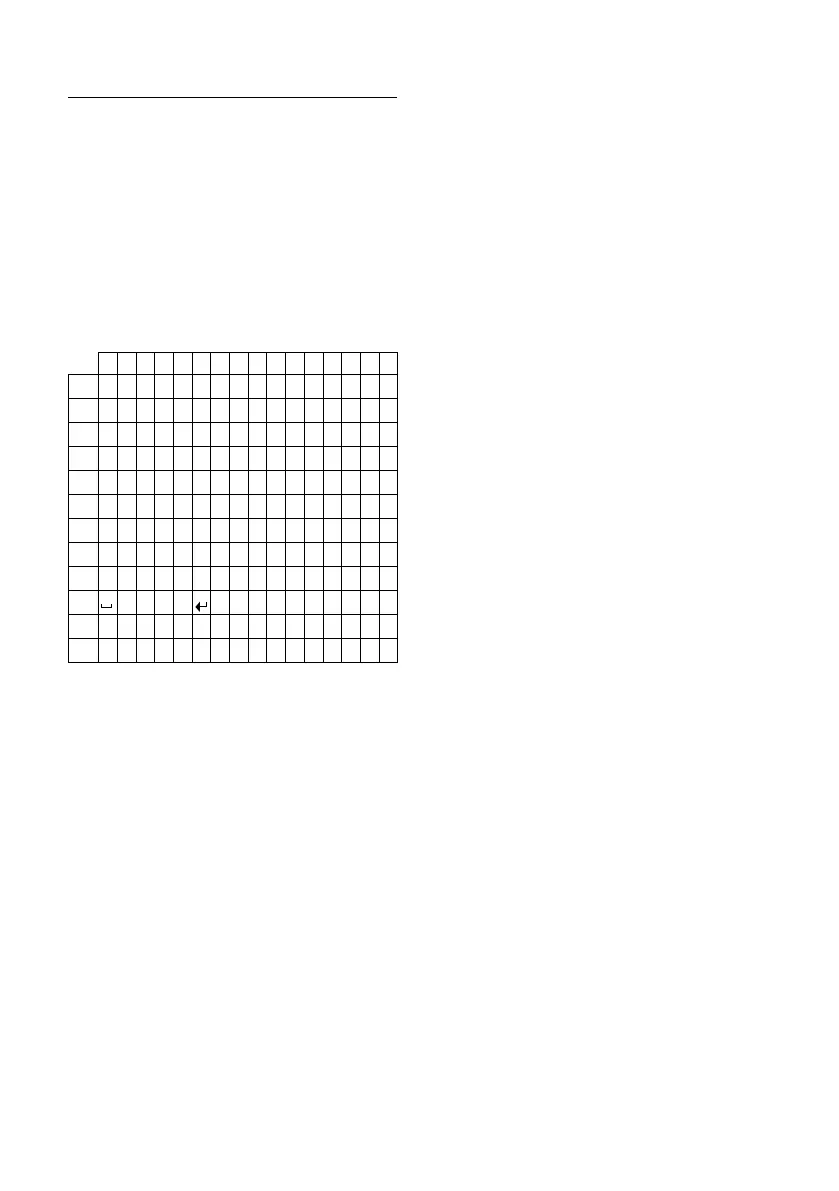
Standard characters
1) Space
2) Line break
1x 2x 3x 4x 5x 6x 7x 8x 9x 10x 11x12x 13x14x15x 16x
1€£$¥¤
2
abc2äáàâãç
3
def3ëéèê
4
gh i4ïíìî
5
jkl5
L
mno6öñóòôõ
M
pqr s7ß
N
tuv8üúùû
O
wx y z9ÿ ýæøå
Q
.,?! 0+-:¿¡“‘;_
*
*/()<=>%
#
#@\ &§



 To Next Page