Gigaset GL7 / LUG IE-UK_INT en / A31008-N1199-L101-1-7619 / operating.fm / 7/4/22
Template Module, Version 2.1, 11.08.2020 / Template Basiseinstellungen: Version X,X - xx.xx.xxxx
Using the device
19
Status bar
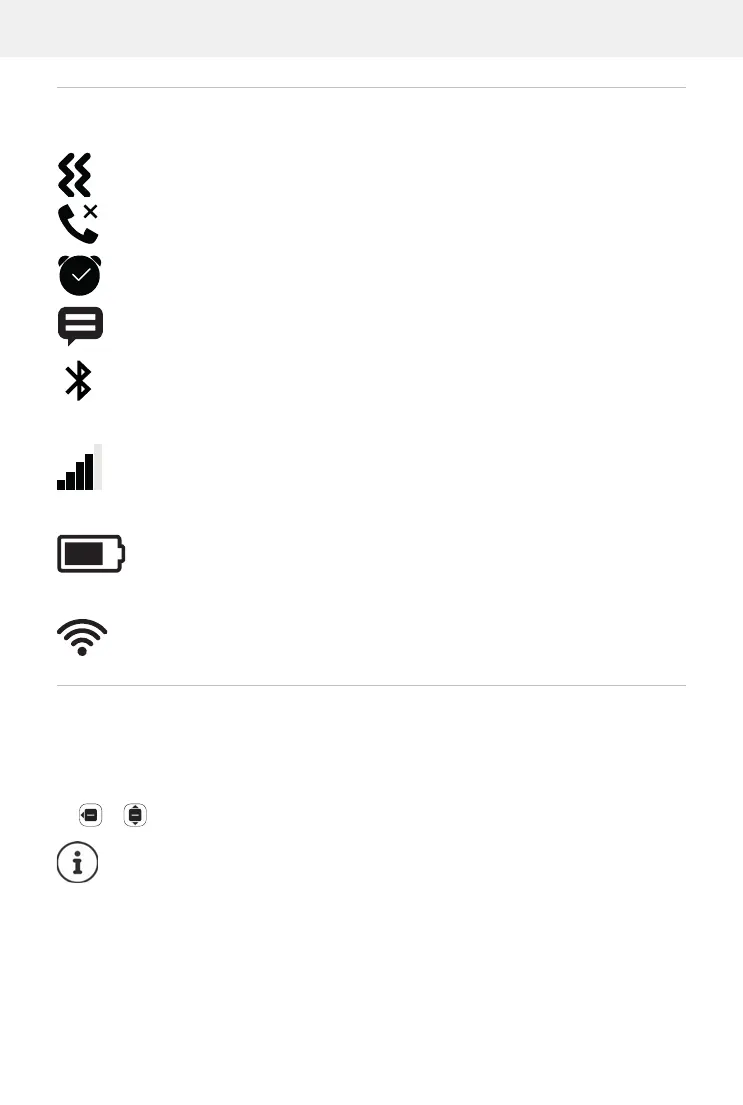
Icons display current settings and the status of the phone, e.g.:
Wireless connection for SIM cards
Batter
y charge level
WLAN connection quality
Access to social networks
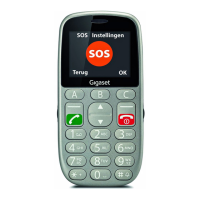
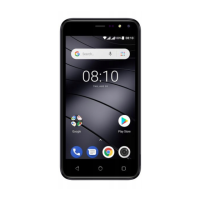
When the phone is in idle, the display provides direct access to social
networks WhatsApp, Facebook, YouTube, Maps and Google (search). You
might need an account and have to enter the associated access details.
Select the desired app OK
Ringtone disabled, only silent alert active
Missed call in call list
Alarm clock on
Message received (
p. 20)
Bluetooth enabled
The icon is displayed for every SIM card inserted.
The number of white bars indicates the connection quality.
The area inside the outline indicates the battery charge level. A
lightning icon is shown during the charge process.
The icon indicates the connection with a wireless network. The
number of curves indicates the connection quality.
The subsequence process is dependent on the app selected. You
might need to log in and/or configure settings. Follow the instruc-
tions from the manufacturer.
The social networks can also be accessed from the main menu of the
phone.


 To Next Page