Template Module, Version 2.1, 11.08.2020 / Template Basiseinstellungen: Version X,X - xx.xx.xxxx
Settings
Gigaset GL7 / LUG IE-UK_INT en / A31008-N1199-L101-1-7619 / settings.fm / 7/4/22
54
Enabling/disabling data transfer
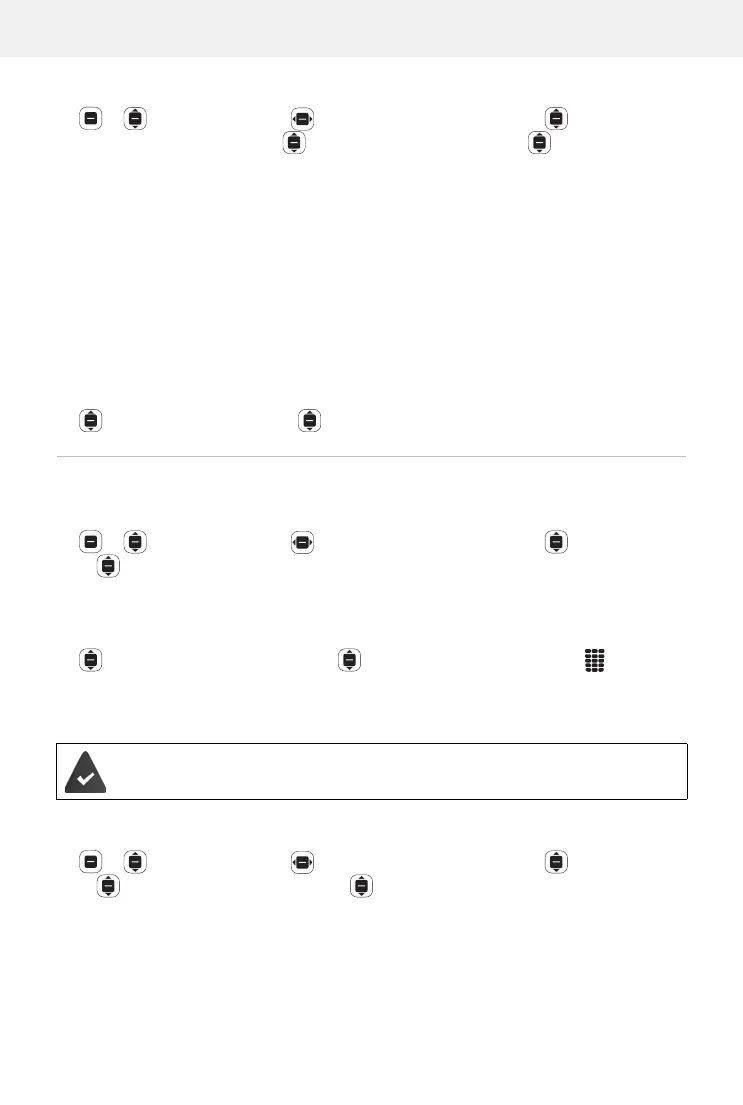
Settings OK Network & Connectivity Mobile
network & Data
OK Data Connection OK Enable/disable
the data connection
OK
Enable/disable data transfer over the mobile network with quick access:
p. 20
Enabling/disabling data roaming
To use networks abroad where your provider is not present, you can enable
data roaming. Additional charges can be made for this outside the EU.
Data Roaming OK Enable or disable Data Roaming OK
WLAN
Enabling/disabling WLAN
Settings OK Network & Connectivity Wi-Fi OK
Enable/disable WLAN OK
Connecting with WLAN
As soon as WLAN is enabled, the device searches for networks in range.
Available Networks OK Select the network OK Enter the
password
Connect
Connecting over WPS
WPS connections can be established from a button on the router or by
ente
ring a PIN.
Settings OK Network & Connectivity Wi-Fi OK
Connect with WPS OK Select Button connection or My PIN
connection
Connect Establish a connection depending on the
connection method
Enabled: Data connections (such as for Internet surfing) can be
established over the mobile network.
Disabled: Data connections are only established over WLAN.
Your WLAN router is able to use WPS to register devices in the WLAN.
Please also follow the instructions from your router manufacturer.


 To Next Page