Gigaset GL7 / LUG IE-UK_INT en / A31008-N1199-L101-1-7619 / settings.fm / 7/4/22
Template Module, Version 2.1, 11.08.2020 / Template Basiseinstellungen: Version X,X - xx.xx.xxxx
Settings
55
Registering with a WLAN that is not publicly visible
If you want to register the phone with a “hidden” network, you require the
network name (SSID).
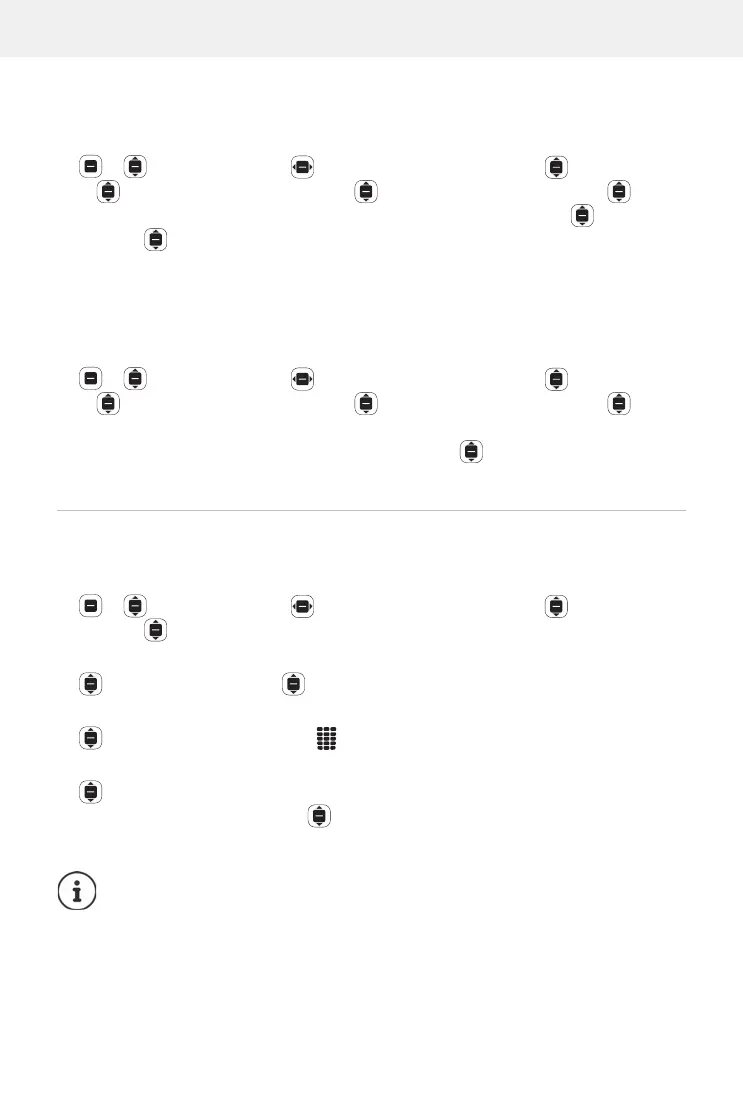
Settings OK Network & Connectivity Wi-Fi OK
Advanced Settings OK Manage Networks OK Join
Hidden Network
OK Enter the network name (SSID) Security
OK Select the encryption method and enter the password (if
required)
Connect
Managing the network list
Delete networks already connected from the list of known WLAN connec-
tions:
Settings OK Network & Connectivity Wi-Fi OK
Advanced Settings OK Manage Networks OK
Known networks
OK . . . The networks to which the phone has already
been connected at least once are displayed
Select a network
Forget
Bluetooth
Connect the phone to Bluetooth devices nearby (to exchange data for
example).
Settings OK Network & Connectivity Bluetooth
OK Enable/disable Bluetooth OK
Set the visibility of the mobile ph
one using Bluetooth:
Visible to All OK Enable/disable visibility OK
Change the Bluetooth name of the mobile phone:
My Phone Name OK Change the name Save
Connect to devices nearby:
Nearby Devices OK . . . Bluetooth devices that are in range are listed
with their MAC addresses
Select a device OK Confirm the device
PIN
Pair
When using Bluetooth headsets in connection with applications
(apps), only the headphone function (without microphone) may be
supported.



 To Next Page