Template Module, Version 2.1, 11.08.2020 / Template Basiseinstellungen: Version X,X - xx.xx.xxxx
Settings
Gigaset GL7 / LUG IE-UK_INT en / A31008-N1199-L101-1-7619 / settings.fm / 7/4/22
58
Setting up call number restrictions
You can restrict calls made by the phone to certain numbers. All other
numbers may not be dialled.
For all actions, you must enter the SIM card PIN.
Enabling/disabling call restriction
Settings OK Network & Connectivity Calling OK
Select the SIM card OK Fixed dialling numbers OK
Select On/Off
OK
Managing the list of non-barred numbers
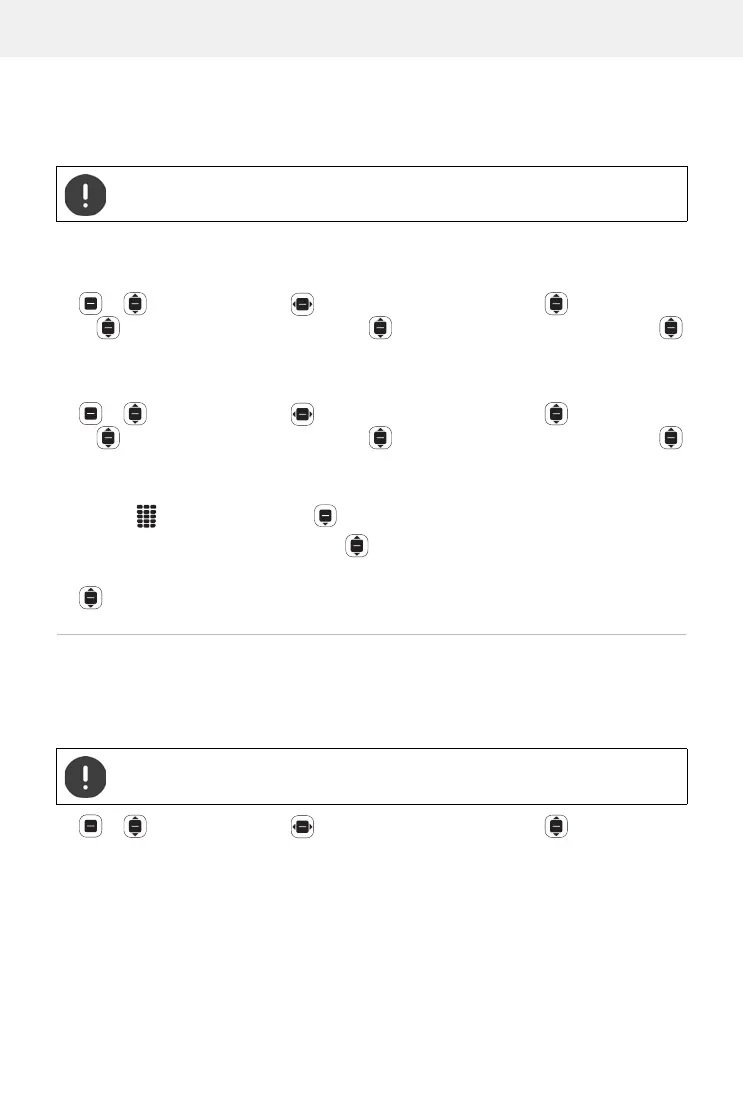
Settings OK Network & Connectivity Calling OK
Select the SIM card OK Fixed dialling numbers OK
Authorised numbers
OK
Add a number:
Add Enter the name Enter the number to call Save
or dial from Contacts:
Contact Select a contact OK
Delete a phone number:
Select a phone number Remove
Setting up a WLAN hotspot
With the Internet enable, you can allow other devices to use the mobile data
connection on your phone. For this, the phone makes available its own WLAN
hotspot.
Settings OK Network & Connectivity Internet
Sharing
OK Wi-Fi hotspot OK Enable or disable a hotspot OK
Emergency numbers can always be dialled.
The data volumes accruing are taken off your account.



 To Next Page