MDE-4327B Encore® Canopy Light Kit (M03225K001) Installation Instructions · October 2015 Page 11
Installing Encore Canopy Light Kit
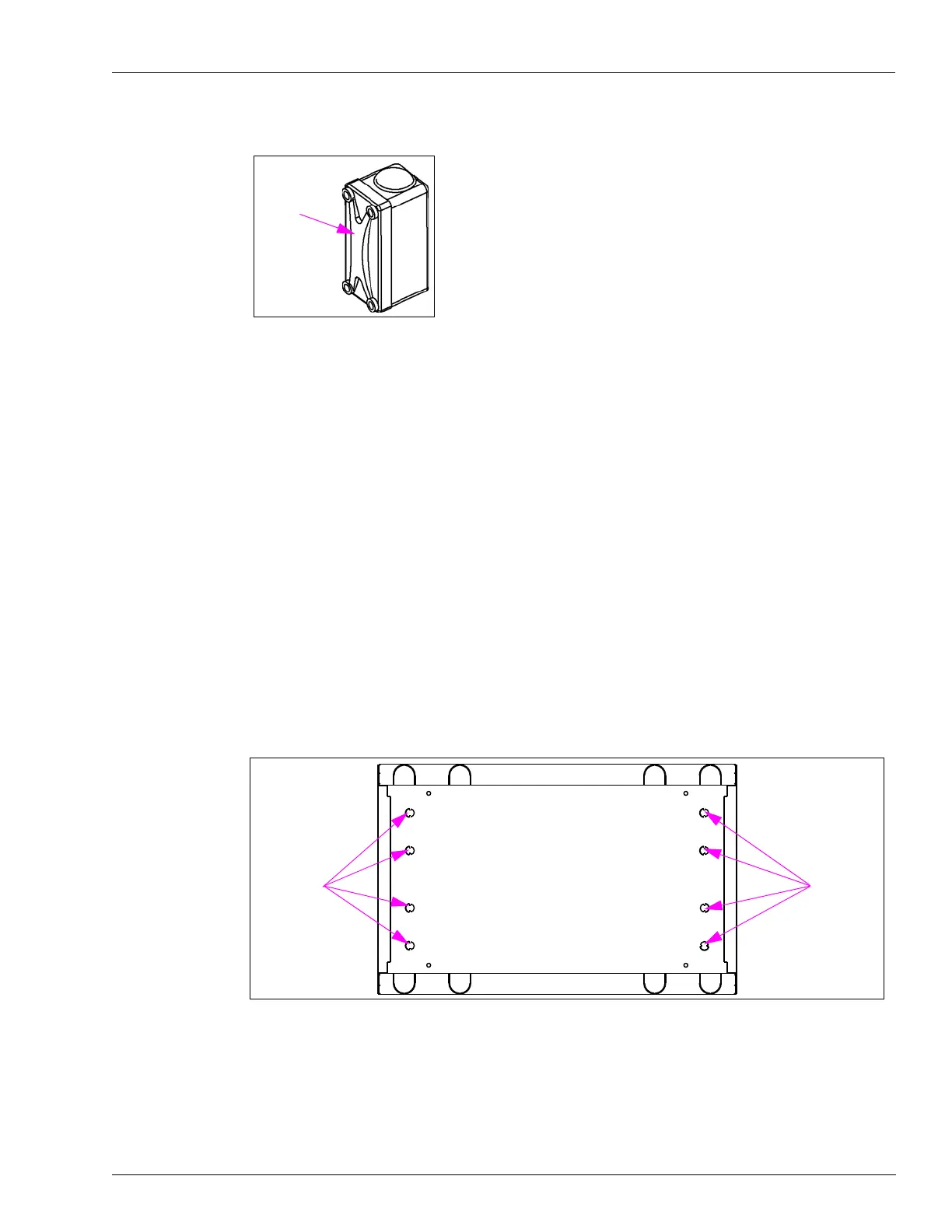
Figure 6: Unilet
6 Position the Encore canopy light conduit assembly (see Figure 2 on page 8) so that the male
threaded end is pointing down toward the already mounted
Unilet inlet.
Note: At this point, the Encore ca
nopy light conduit assembly should already be wired.
7 Insert the wires from the end of the conduit through the outside of the dispenser into the top of
the Unilet and outside of the Unilet (cover removed), pulling the wires out until all the slack is
taken up.
8 After the slack wire has been removed between the Encore canopy light conduit and the
Unilet, attach the conduit to the Unilet using the expansion union. Tighten the expansion
union.
9 Attach the conduit to the sides of the channel with the two tie-wraps provided in the kit. Leave
these loosely attached until after connecting the upper end to the housing.
10 Using the hammer and metal punch, remove the knockouts (see Figure 7) in the upper housing
top cover of the dispenser.
Figure 7: Location of Knockouts


 To Next Page