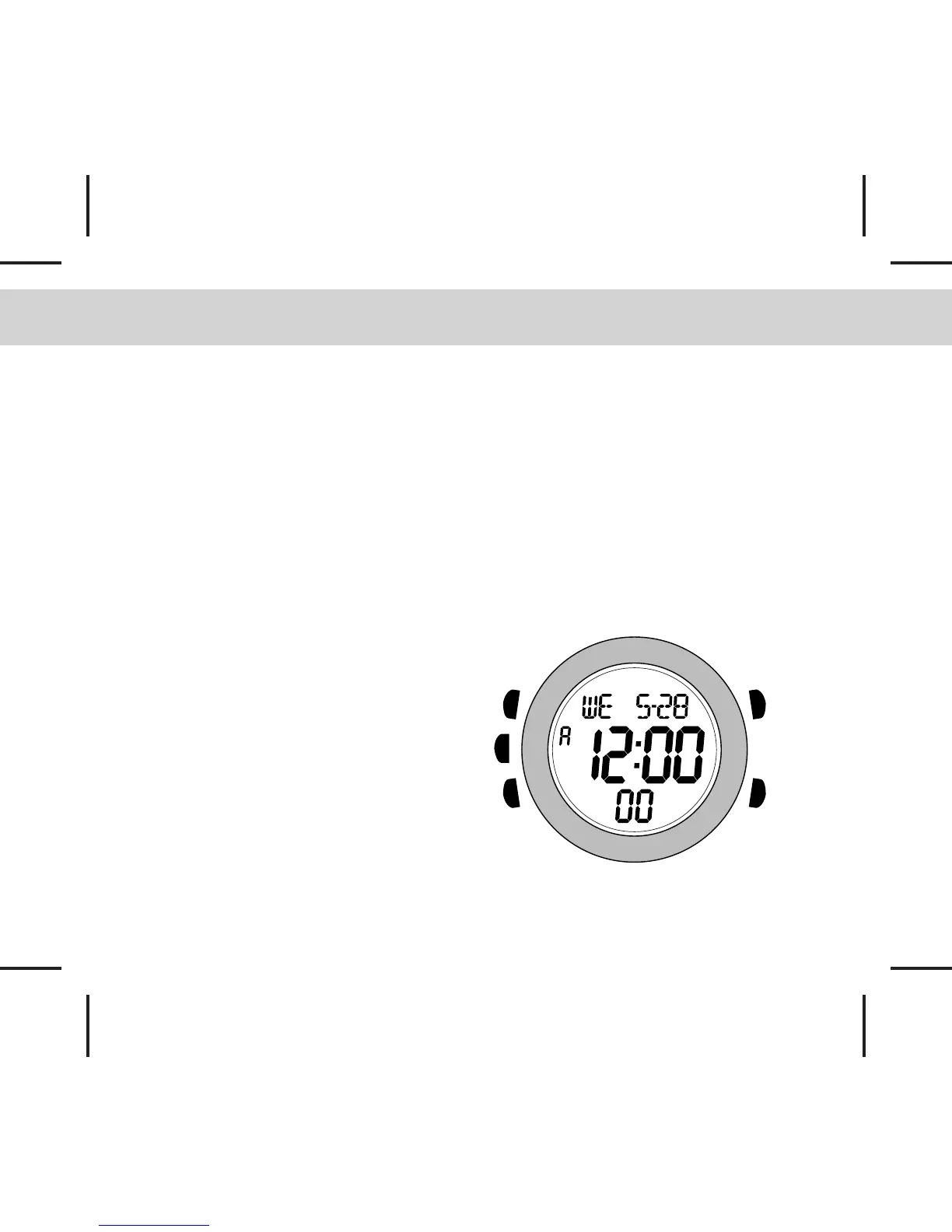
2.0 Buttons Operation Summary
[S]
[L]
[M]
[S/L/S]
[S/R]
Mode Button [M]
- In function modes: Press to enter the next
mode
- In any setting display: Press to choose
among different settings
ST./LAP/SYNC. Button [S/L/S]
- In Daily Alarm Mode: Hold to test alarm
sound.
- In Timer Mode : Press to start or
synchronise.
- In setting displays: Press to increase the
value or hold to increase faster.
STP./RESET Button [S/R]
- In Daily Alarm Mode: Press to select the
Alarm Time ON/OFF.
- In Timer Mode: Press to stop or hold to
reset the timer.
- In setting displays: Press to decrease the
settings or hold to decrease faster.
Set Button [S]
- Press and hold for about 2 seconds to
enter the setting displays.
- In setting displays, press to exit and
return to the function mode.
Backlight Button [L]
- In any mode/display, press to turn ON the EL
backlight for about 3 seconds.
Note: The button operations are summarised
as above, for detailed operating instructions,
please continue reading.



 To Next Page