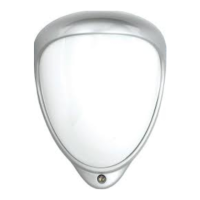
PROGRAMMING - USING PROGRAMMING BUTTON
General connection
1. Connect the network cable and verify that the unit powers up and that the network connection is working.
Factory reset
1. Make sure the detector is powered on.
2. Hold down the reset button for 8 seconds.
3. Release reset button, the status LED on the board will turn off for a second.
4. The units IP address and login details are now reset back to factory values.
USER INTERFACE
Settings are made through the web based user interface: all that is needed is a modern web browser to access and
change settings .
The instructions for the user interface described below are valid for rmware 1.32.
Factory default settings
When using the system for the rst time, or if a factory reset has been made, the following settings are used:
Product IP number 192.168.0.10
Subnet mask 255.255.255.0
Default router 192.168.0.1
Login
1. Open a web browser.
2. In the address eld, type in the selected unit is IP-address. Default is 192.168.0.10.
3. The user interface login page is shown.
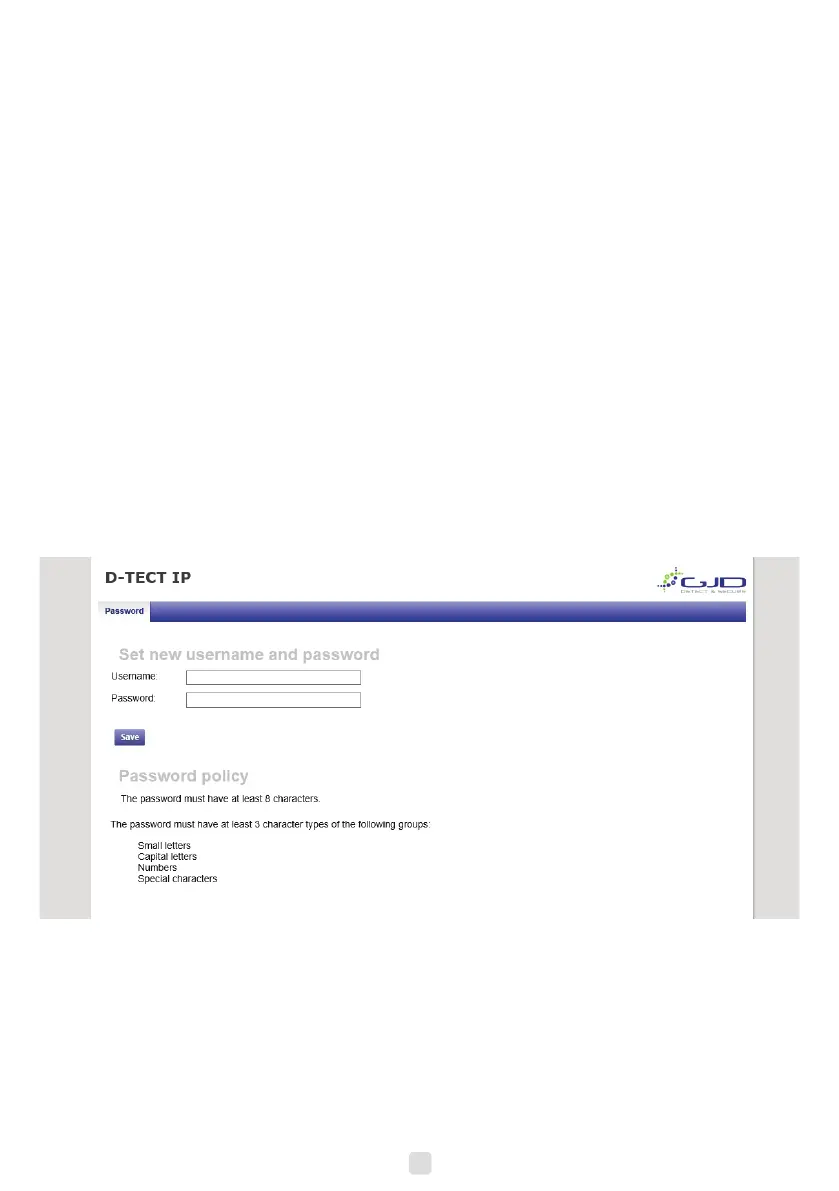
4. The user is prompted to create a username and password based on the password policy.
5


 To Next Page