26
#7 ñ OPERATING
YOUR GLIDECAM
2000 PRO
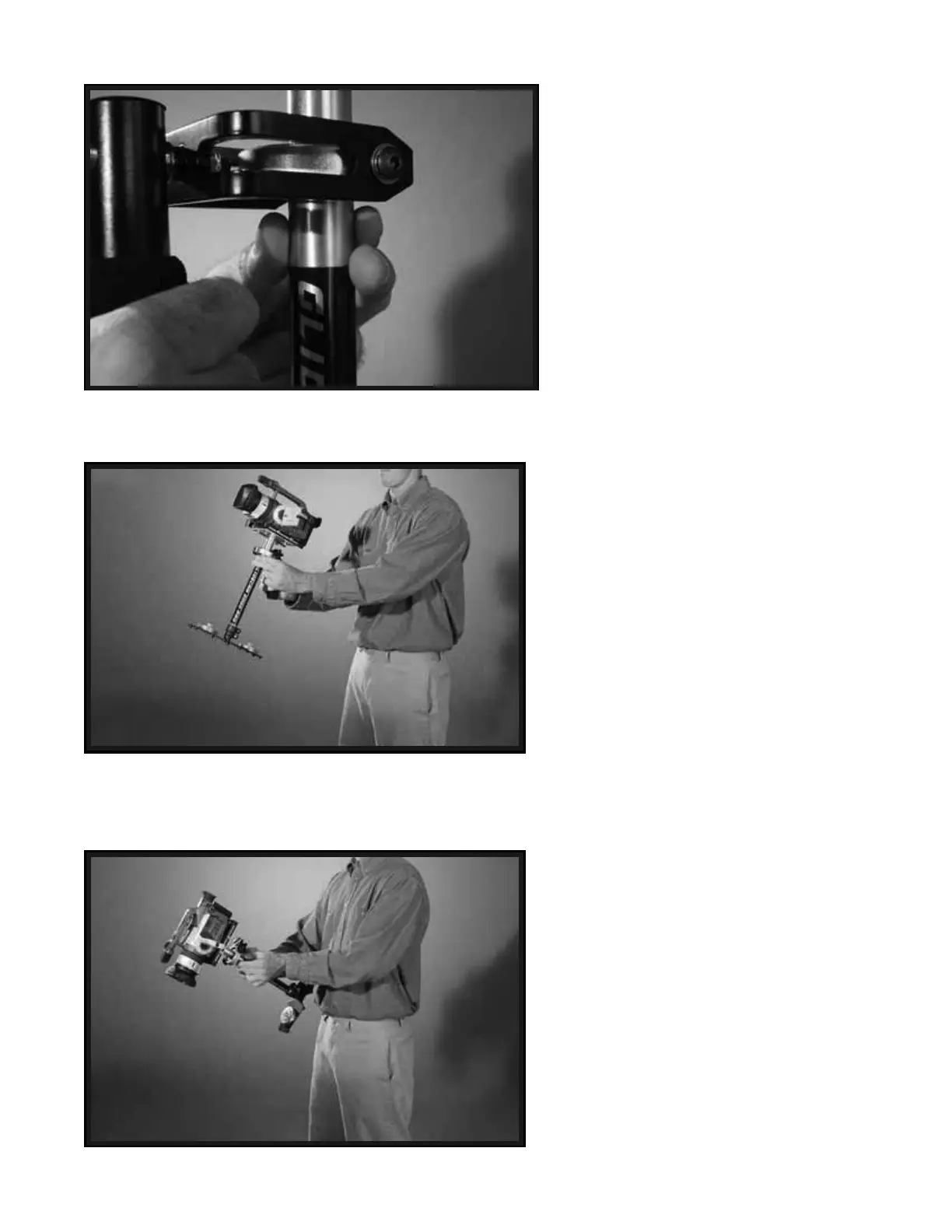
The Glidecam 2000 Pro is designed to
work correctly only when operated with
two hands (see Photos #51 and #52). If
you try to operate the unit with just your
“Holding Hand”, the Camera will most
likely drift away from its original position,
and without your “Guiding Hand” in place
you will be unable to control the direction
of the Camera.
When operating the Glidecam 2000 Pro
you will not be able to put your eye right
up to the eyecup on the viewfinder, for
doing so will cause the unit to be restricted
in it’s ability to stabilize and eliminate
Camera shake. Even though you cannot
place your eye directly up to the Camera
viewfinder, you can however either use
the Camera’s built in LCD Monitor (as
shown in Photo # 42), or attach an external
LCD Monitor (not included) directly to
the BASE PLATFORM of the 2000 Pro.
A 1/4" Monitor “Mounting Hole” is
located at the front edge of the BASE
PLATFORM (see Photo # 18 and # 51A).
You can also attach an external LCD
Monitor to the accessory shoe on top of
your Camcorder. We believe that better
results are obtained when you attach the
Monitor to the 2000 Pro’s base, because
this way you generally have to look
slightly down to see the Monitor, and in
doing so your feet are more visible to your
peripheral vision. This makes negotiating
obstacles with the 2000 Pro safer.
52
53
54


 To Next Page