17
#4 - Attaching your
Camera to the
Glidecam 2000 PRO
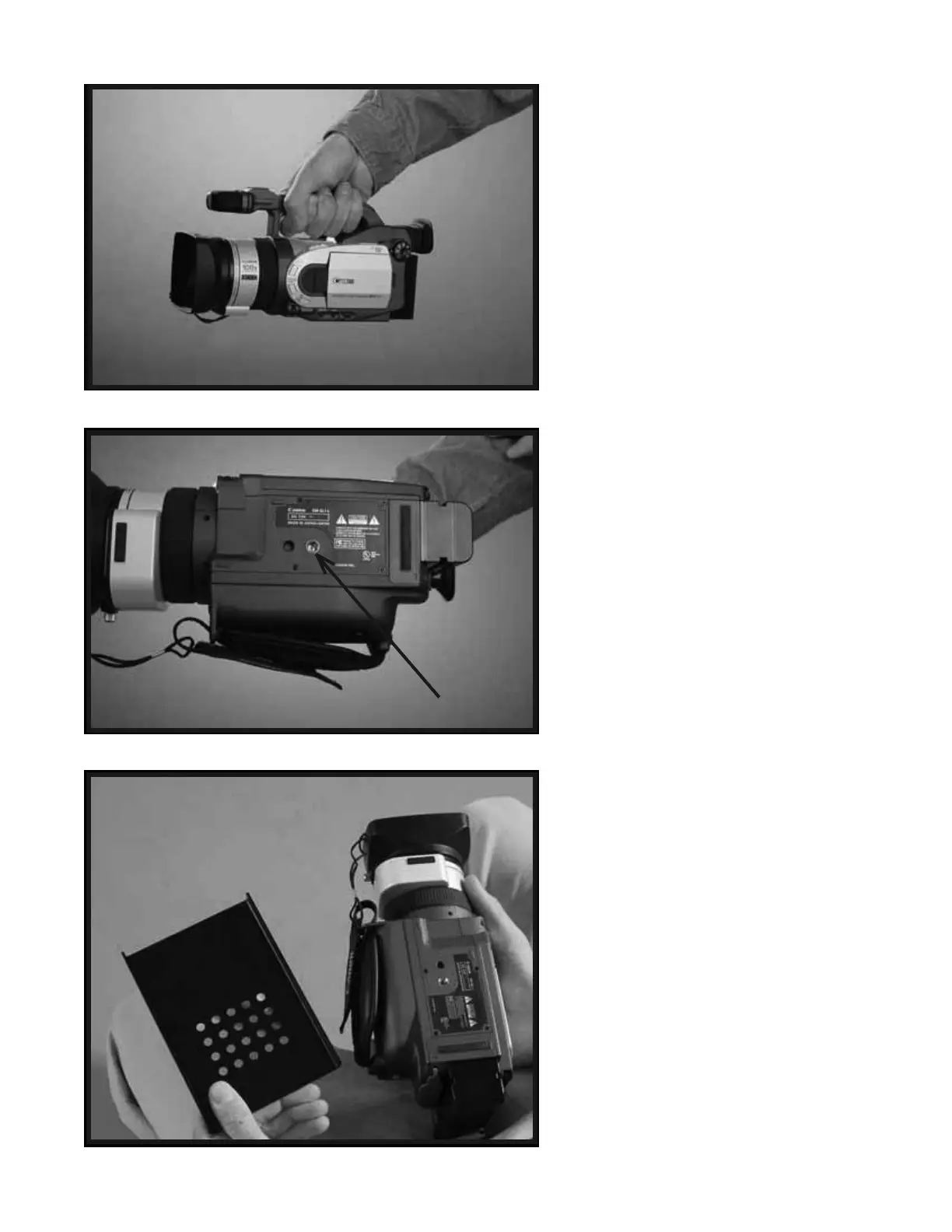
Now it’s time to attach your Camera to
the Glidecam 2000 Pro’s HEAD PLATE.
First, find the “Threaded Insert” on the
bottom of your Camera.
Now preferably sit down in a chair and
place your Camera base side up in your
lap as in Photo # 35. Place and center the
HEAD PLATE on the base side of your
Camera as in Photo # 36.
33
34
35
Threaded Insert


 To Next Page