SIMPLE TRACKER TR-151 04.
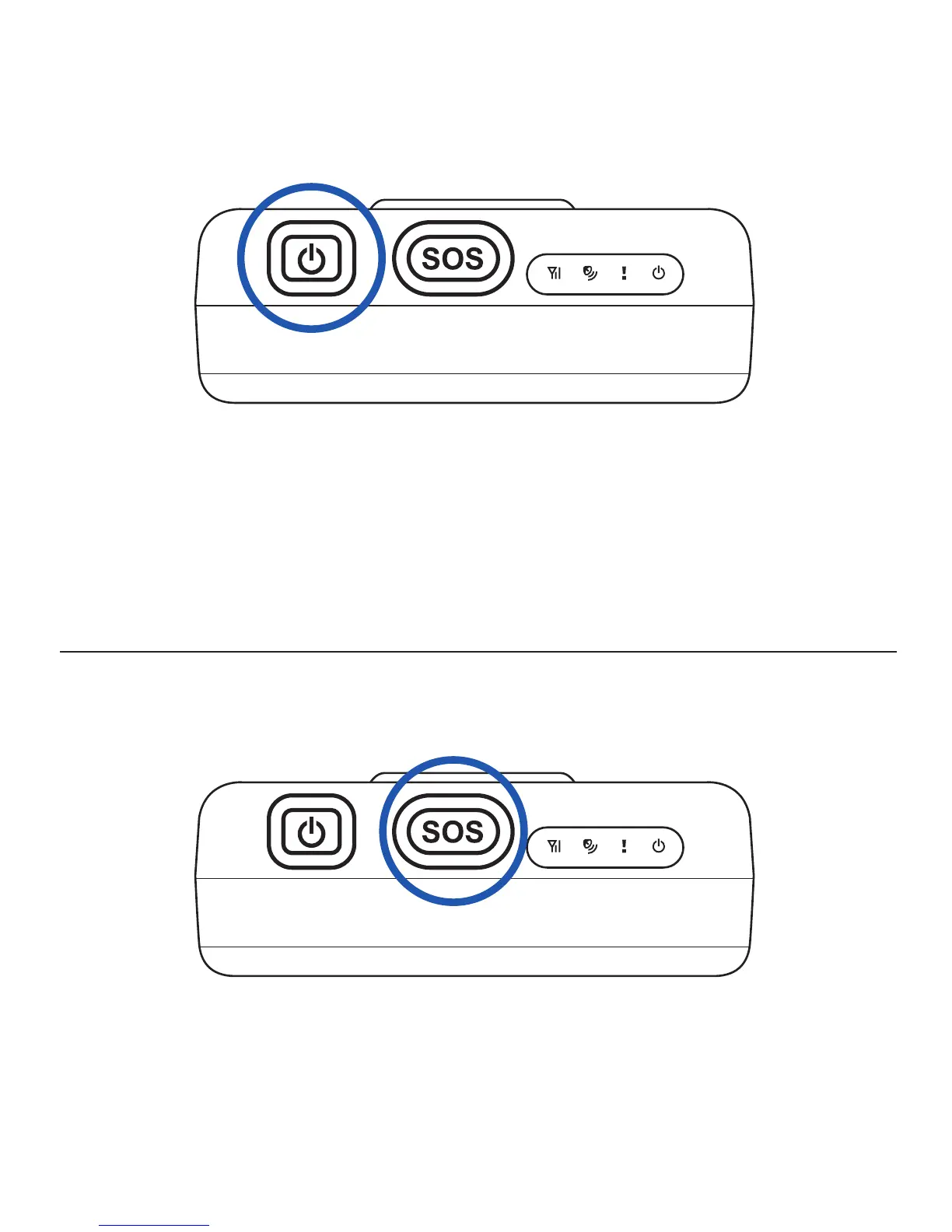
Turn on/off TR-151
- You could turn on the device by pressing and holding the power button until you
see status LED [ ! ] blink 2 times.
- You could turn off the device by pressing and holding the power button until you
see status LED [ ! ] blink 1 time.
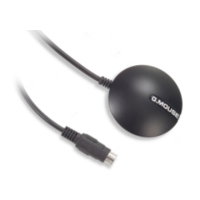
Emergency button
- You could press emergency button until you see status LED [ ! ] blink 5 times.
TR-151 will try to get GPS fix and then send out the emergency SMS to preset
phone number.



 To Previous Page