4.1 Device charging
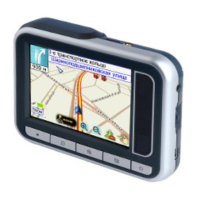
First time users, rechargeable battery requires a complete charge before using TR-151 device.
Therefore, to maximize your device’s battery life proceed by performing the steps listed below.
Using the AC Adapter charge method:
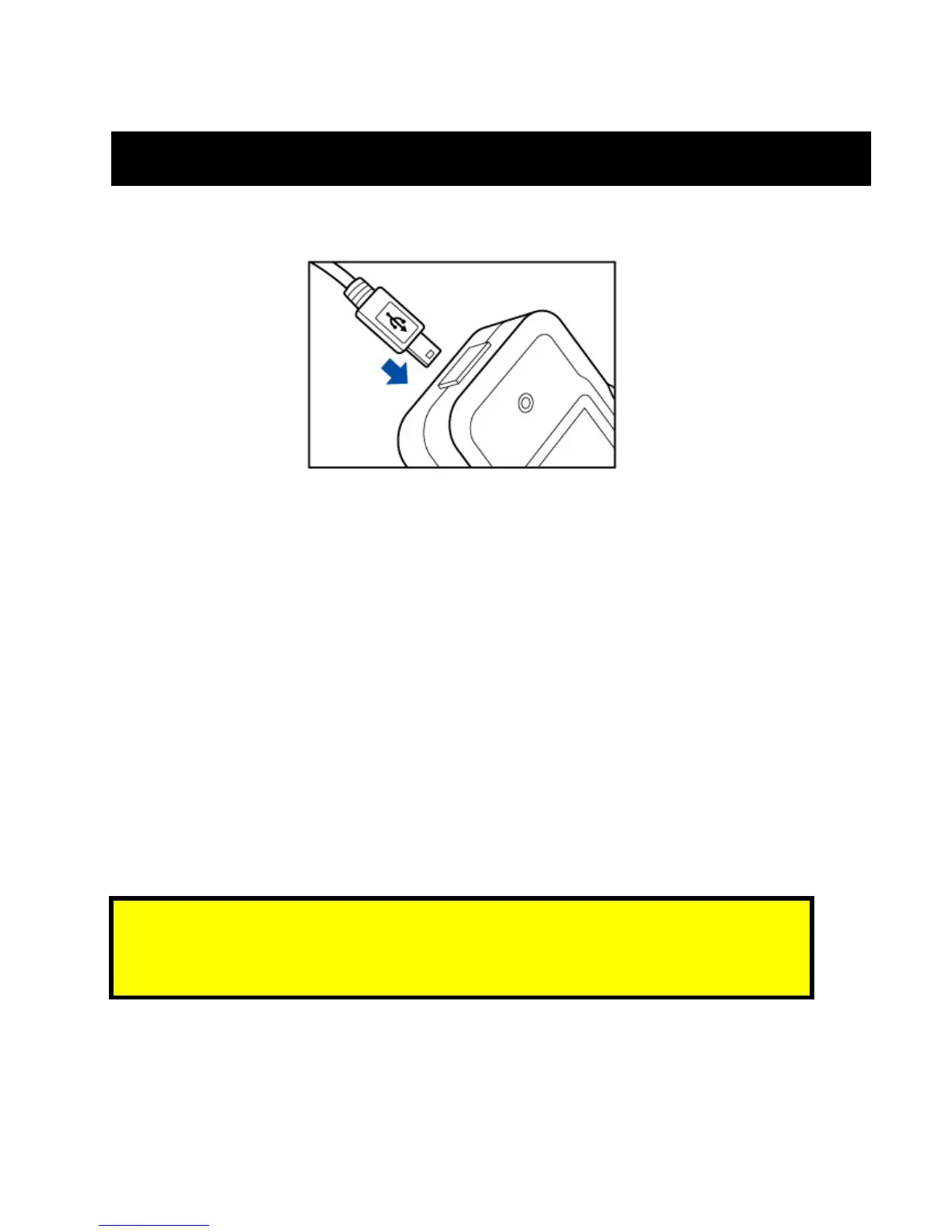
1. Connect TR-151 to its supplied AC power adapter cable.
2. Allow a 4 hour battery charge time. (TR-151 in power-off condition)
Using the USB cable charge method:
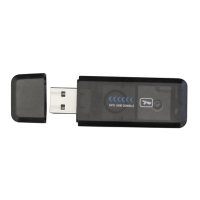
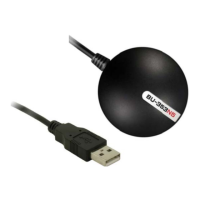
1. Connect TR-151 to its supplied USB to Mini-USB cable to PC or Notebook. (Computer
requires to be “ON”)
2. Allow a 4 hour battery charge time. (TR-151 in power-off condition)
Note:
The attached battery is specially designed for TR-151 devices. Please do not use other
battery types; otherwise, it may cause permanent device damage. In effect, voiding your
warranty. Please, contact your local dealer for battery replacements.



 To Next Page