4.3 Power
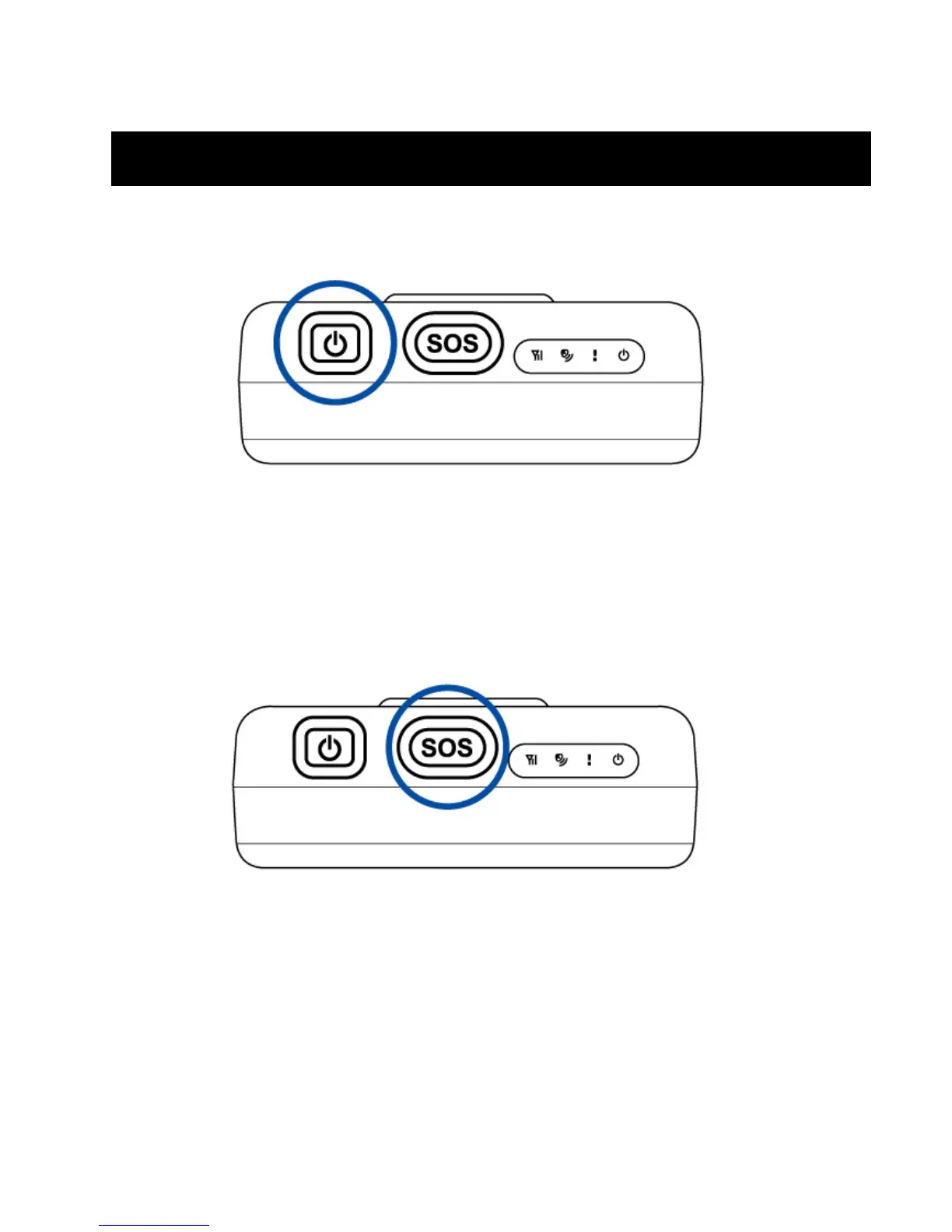
To turn the device “ON”, press and hold the power button until you see status LED ! blink 2 twice.
To turn the device “OFF”, press and hold the power button until you see status LED ! blink 1
once.
4.4 Emergency button
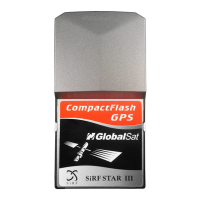
Press and hold the emergency button until you see status LED ! blink 3 times. TR-151 will
attempt to receive a GPS fix, then, communicate the emergency SMS to the preset phone
number.



 To Next Page