MP3
Playing an MP3 CD and DVD
MP3 Format
There are guidelines that must
be met, when creating an MP3
disc or the CD might not play.
The guidelines are:
• Sampling rate: 8 kHz, 16 kHz,
22.05 kHz, 24 kHz, 32 kHz,
44.1 kHz, and 48 kHz.
• Bit rates supported: 8, 16, 24,
32, 40, 48, 56, 64, 80, 96,
112, 128, 144, 160, 192, 224,
256, and 320 kbps.
• Maximum number of folders is
255 with a maximum hierarchy
of eight folders.
• Maximum of 1024 files on a disc.
• Recorded on a CD-R or
CD-RW with a maximum
capacity of 700 MB.
• DVD-Dual Layer discs should not
be used.
• The Artist/Album/Song Titles/
Genre information requires a CD
to be fully scanned before the
music navigator works with these
menus. Disc scanning does not
occur when the disc is being
played.
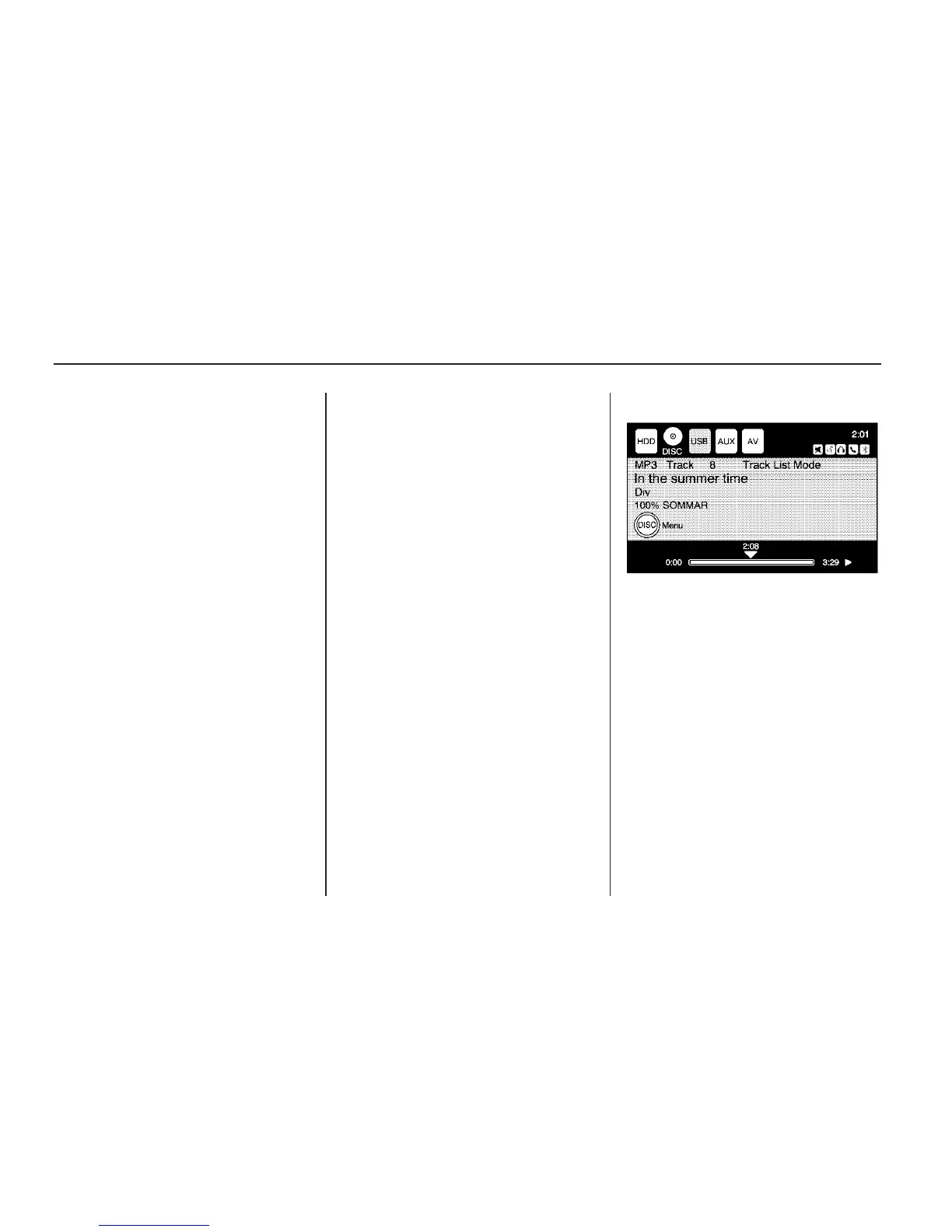
When an MP3 is loaded in the
player, MP3 displays.
If a disc is already loaded, but you
are currently on a map screen or
listening to a different audio source,
press the HDD/DVD/AUX hard key
to switch to the DISC source. A track
number appears on the display when
each track starts to play.
24 Infotainment System



 To Next Page