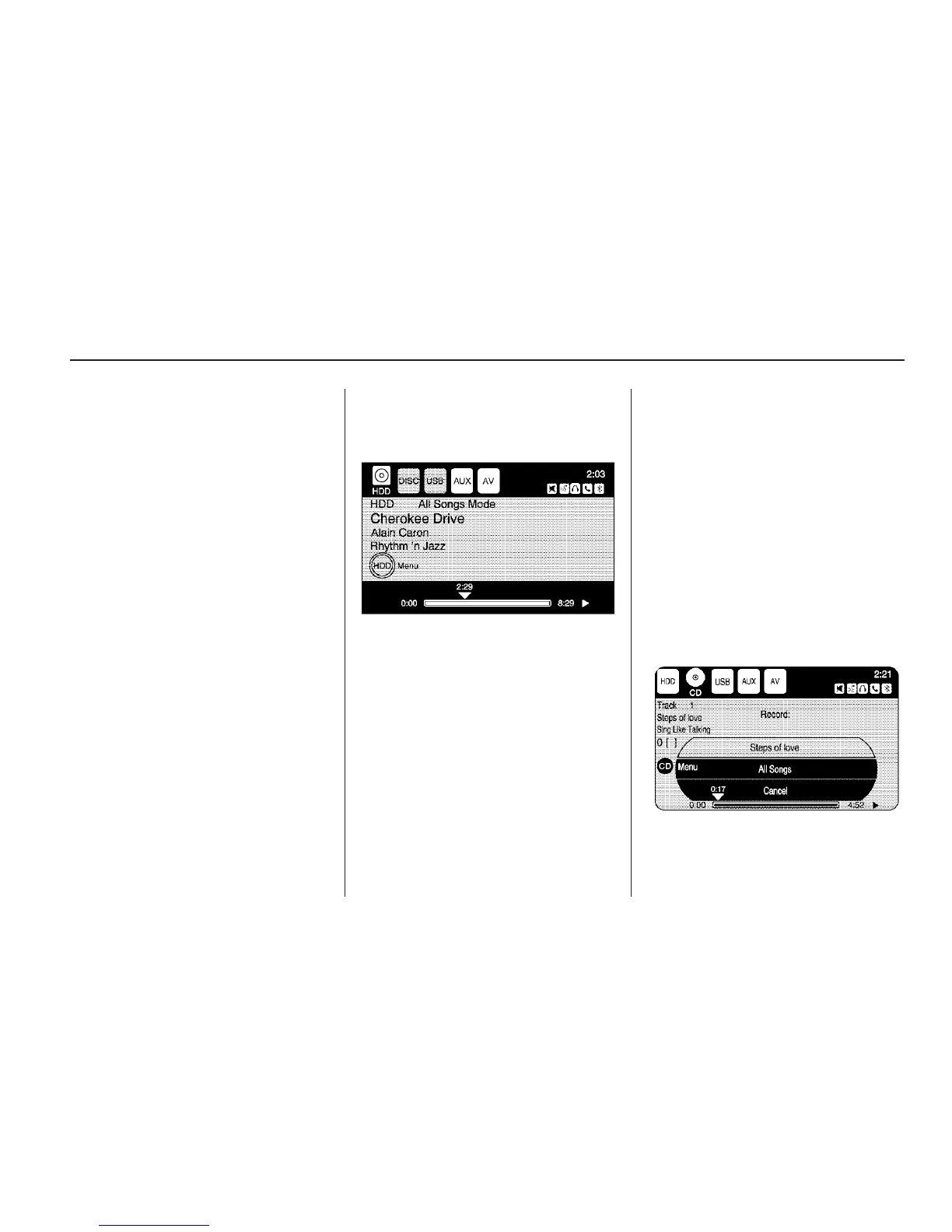
Hard Drive Device (HDD)
With a Hard Drive Device (HDD),
songs can be recorded.
The type of format supported by the
HDD are:
• MP3
• MP3-Pro (with spectral brand
replication).
• WMA
• OGG Vorbis
• Audible.com
• M4A
Songs can be recorded from a CD
player or a mass media storage
device connected by a USB
connector. The hard drive has
10 GB memory capacity for
storage of media files.
For optimal recording performance
make sure the disc is clean with
no damage, otherwise the system
might partially record the track.
To select the hard drive audio
source:
Press the HDD/DVD/AUX hard key,
cycle through the available audio
source until the HDD source displays
or press the HDD/DVD/AUX hard key
once, and touch the HDD source
button.
Recording from a CD to the
Hard Drive
The speed of the recording
increases if you are listening to
another source while recording.
To record all tracks from the disc:
1. Load a CD or press the
REC button.
2. Press HDD/DVD/AUX hard key
until the Disc screen displays.
3. A confirmation displays.
4. Select All Songs to record all
tracks. A progress bar displays.
Infotainment System 27



 To Next Page