The scale ranges from 100 m
(150 ft) to 400 km (250 mi).
To change from English to metric,
see “DIC Operation and Displays”
in the index of the vehicle’s
owner manual.
Scroll Features
•
To scroll within the map, touch
anywhere on the map screen
and the scroll symbol displays.
• Tap the map to center that
location on the screen.
• Hold a finger in any direction
outside of the scroll symbol
and the map will continue
to scroll in that direction
until finger is removed.
• Scroll speed increases when
touching closer to the edge
of the screen.
• Press the NAV hard key to exit
map scrolling and return to
the current vehicle location
on the map.
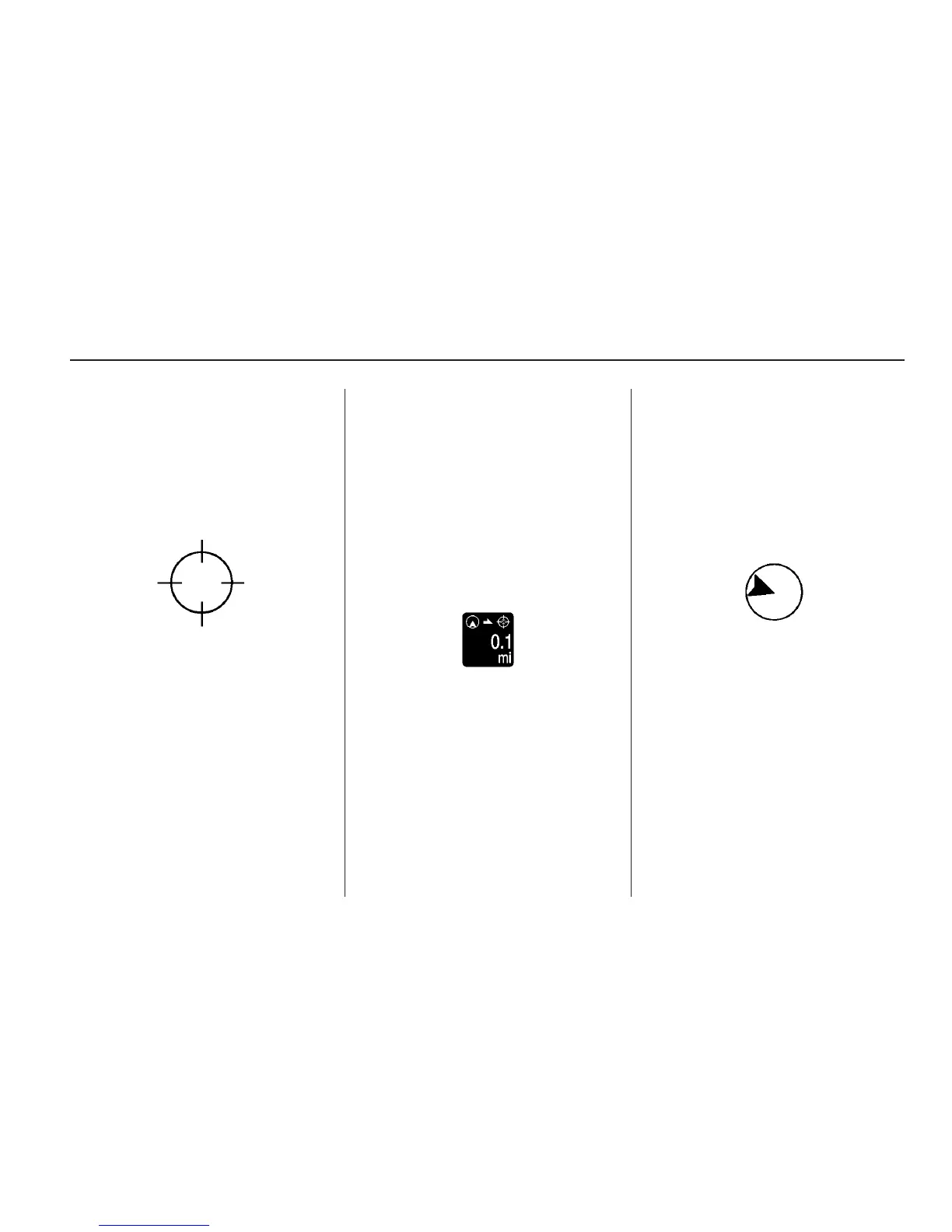
• While scrolling the map, this
symbol can display the distance
to the crosshair area.
For example, this shows that the
map has been scrolled, 160 m
(0.1 mi) away from current vehicle
position.
Navigation Symbols
Following are the most common
symbols that appear on a map
screen.
The vehicle symbol indicates
the current position and heading
direction of the vehicle on the map.
The destination symbol marks
the final destination after a route
has been planned.
Infotainment System 47



 To Next Page