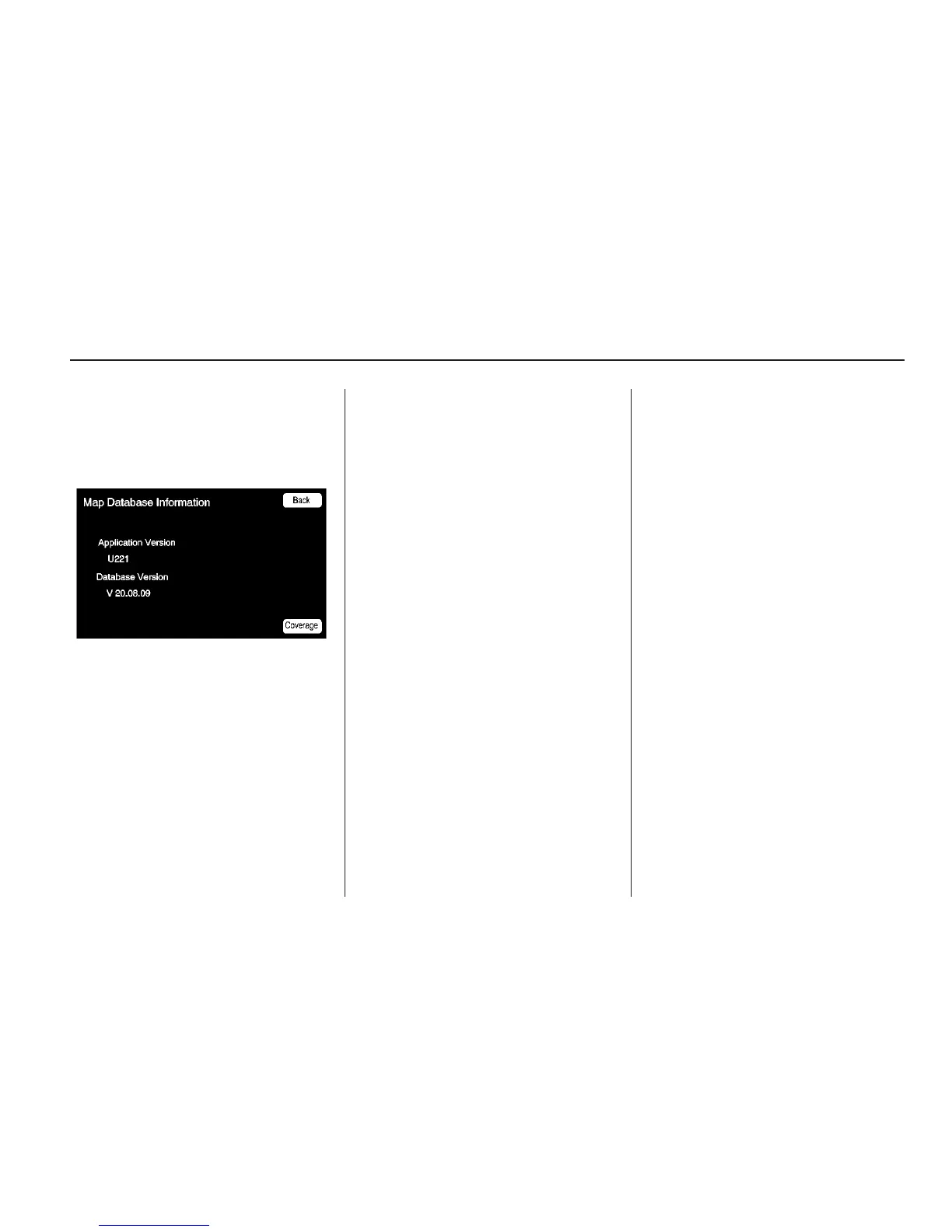
Map Database Information
Displays map database version
information.
Press the Coverage button to
view the major metropolitan
coverage area.
Low Fuel Warning: When
selected, a popup screen displays
gas station icons on the map or
lists the five nearest gas stations.
Back Track Mode: When selected,
the back track feature is on.
See BACK TRACK earlier in
this section.
Weather Warning (if equipped):
When selected, a popup screen
displays weather warnings.
Show 3-D Landmark: When
selected, 3-D landmarks display
on the map screen.
Maps
This section includes basic
information needed to know
about the map database.
Map Coverage
The navigation maps are stored on
the hard drive.
For more information on map
coverage, see Navigation Settings
earlier in this section.
Installing the DVD Map Disc
Your dealer/retailer installs the map
database information on the HDD.
An updated map disc can be
used to update the map database
information, see Ordering Map
DVDs on page 76 later in this
section.
Infotainment System 45



 To Next Page