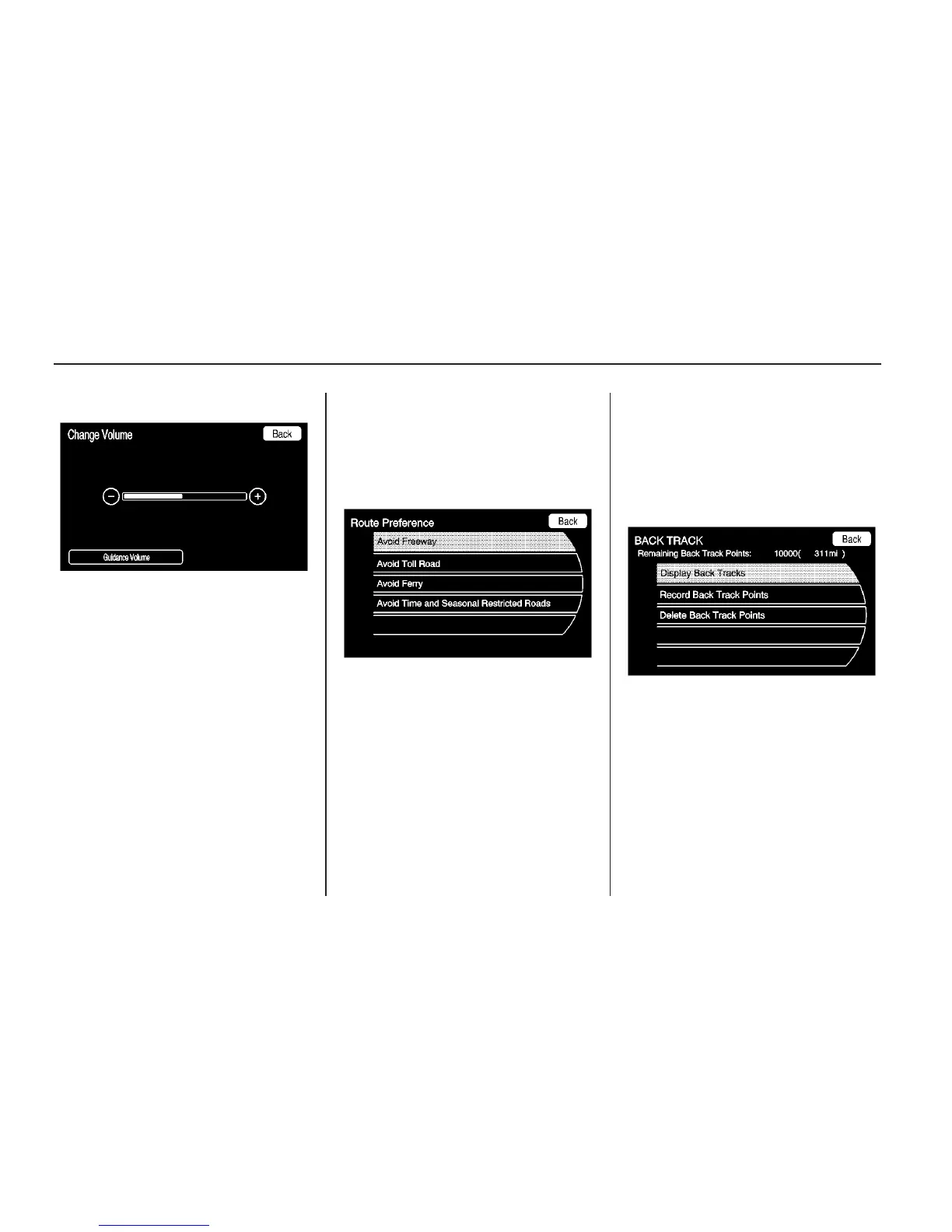
Voice Guidance: Enable or disable
voice guidance. A checkmark
indicates on.
Confirmation Feedback: Turns the
speech confirmation feedback on
or off. A checkmark indicates on.
Traffic Voice Prompt: Enable
and disable Traffic Voice Prompts.
A checkmark indicates feedback
is on when a traffic event occurs.
Route Preference
Touch the Route Preference screen
button to change route options
when a route is calculated.
Avoid Freeway: Major roads are
avoided.
Avoid Toll Road: Toll roads are
avoided.
Avoid Ferry: Ferries are avoided.
Avoid time and seasonal
restricted road: Time restricted
and seasonal roads are avoided.
BACK TRACK
Touch the BACK TRACK screen
button to turn on, off, or delete the
recording and displaying of the
traveled path.
Display Back Tracks: When
active, the traveled path displays.
Record Back Track Points: When
active, the traveled path is recorded.
Delete Back Track Points: Deletes
the recorded path.
44 Infotainment System



 To Next Page