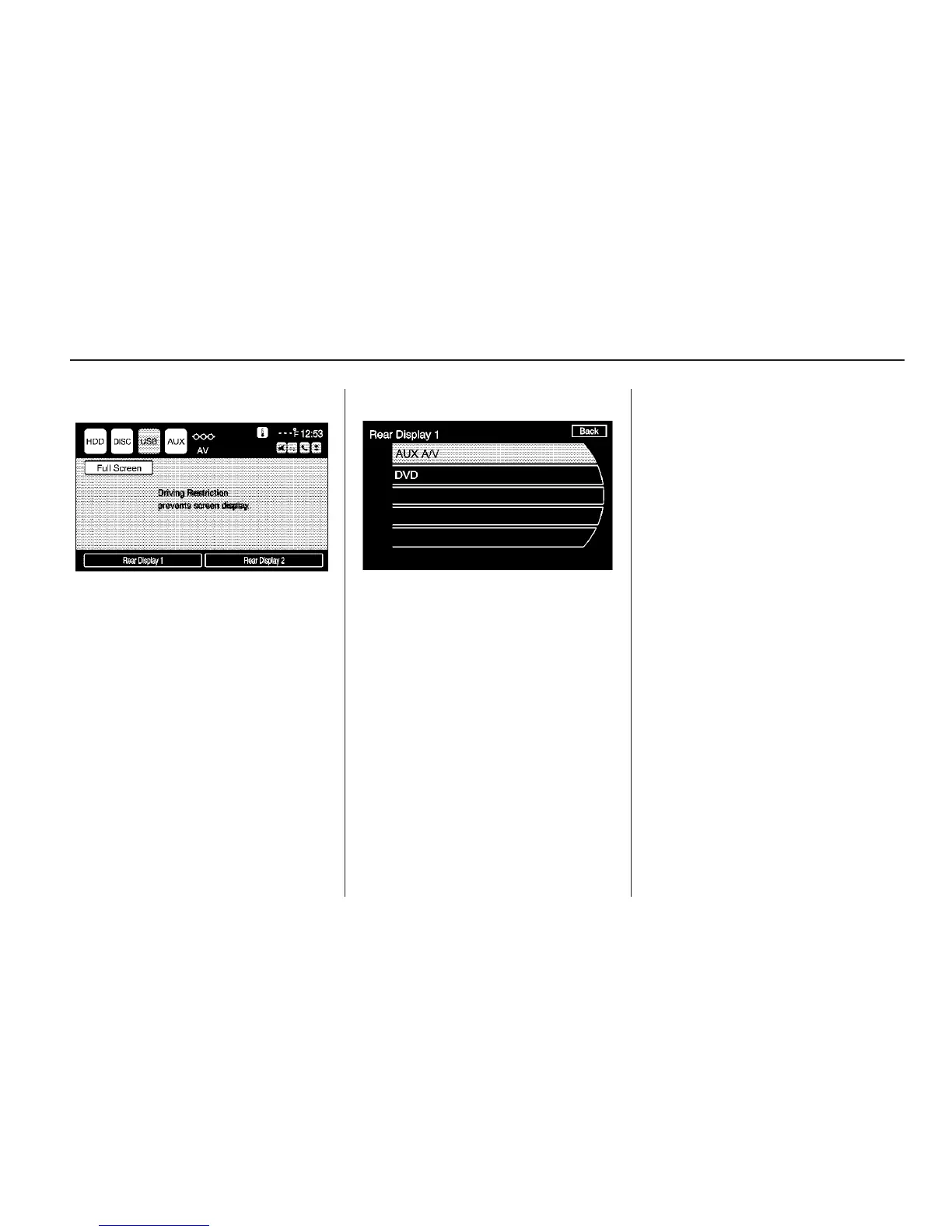
3. Press Rear Display 1 for
left video screen or Rear
Display 2 for right video.
4. Select the video source to be
used (AUX A/V or DVD).
Navigation
Using the Navigation
System
Use the hard keys on the navigation
system and the available touch
screen buttons on the navigation
screen to operate the system.
See Overview on page 4.
Various functions are disabled when
the vehicle is moving.
Navigation Hard Keys
The hard keys are on the navigation
system:
VOL/ O (Volume/Power): Press to
turn the system on and off. Use to
adjust the volume for the audio,
OnStar
®
, voice guidance, and voice
recognition voice prompts.
Infotainment System 41



 To Next Page