Folder/Playlist: Select to view the
playlists stored on the USB. Select
a folder/playlist to view a list of all
songs in the folder/playlist. Select a
song from the list. Once selected,
Folder/Playlist Mode displays.
Artist: Select to view the artists
stored on the USB. Select an artist to
view a list of all songs by the artist.
Select a song from the list. Once
selected, Artist Mode displays.
Album: Select to view the albums
stored on the USB. Select an album
to view a list of all songs on the
album. Select a song from the
list. Once selected, Album Mode
displays.
All Songs: Select to view a list
of all songs stored on the USB.
Select a song from the list. Once
selected, All Songs Mode displays.
Genres: Select to view the genres
stored on the USB. Select a genre to
view a list of all songs of that genre.
Select a song from the list. Once
selected, Genre Mode displays.
Eject USB: Select when USB
is to be removed. If the USB is
disconnected without selecting
Eject USB, the files could become
corrupted.
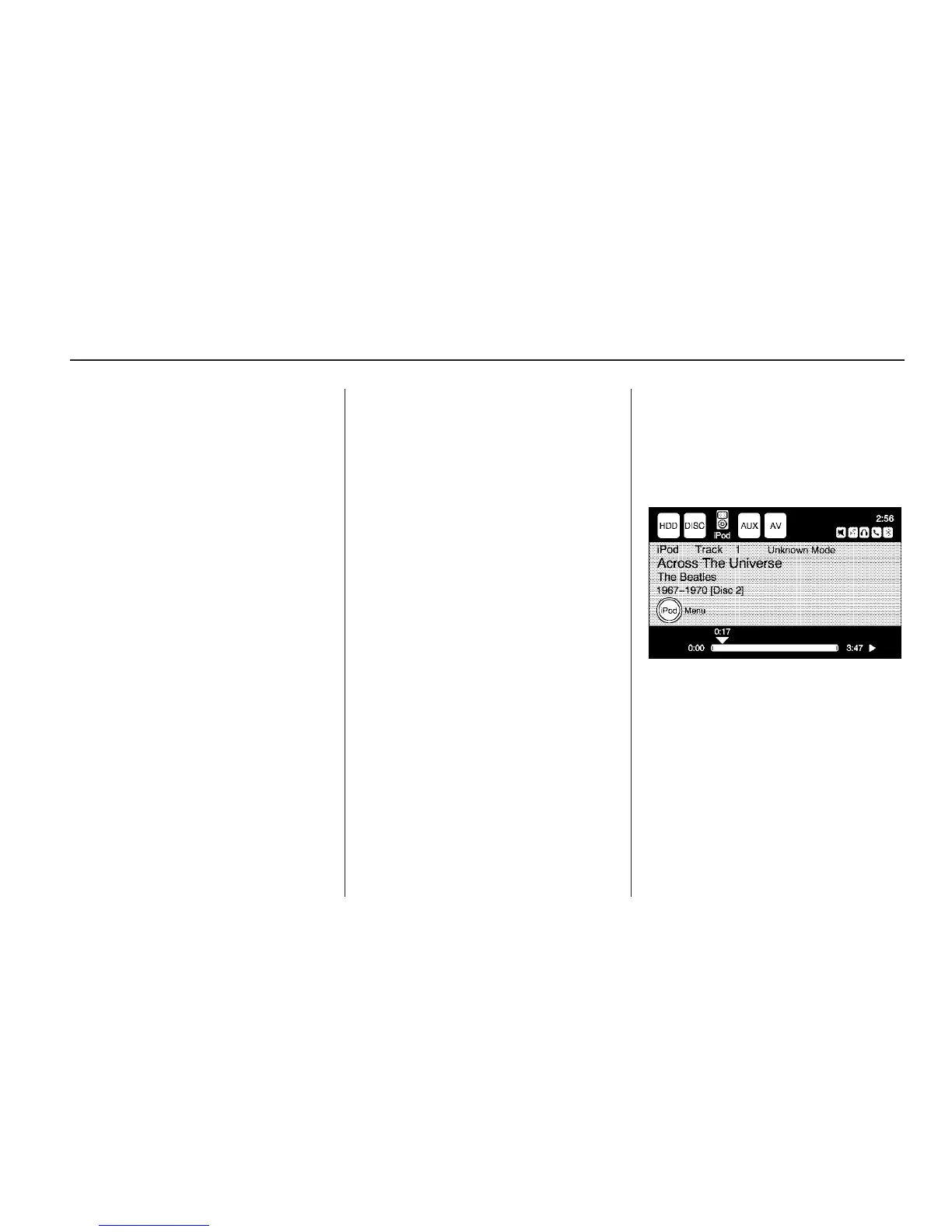
Playing from an iPod
®
iPod
®
is a trademark of Apple Inc.,
registered in the U.S. and other
countries.
This feature supports the following
iPod models:
• Fifth generation or later iPod
• First, Second, or Third generation
iPod Nano
• iPod Classic
• iPod Touch
Infotainment System 33



 To Next Page