108 Infotainment System
Making a Call
Press 5 / 0 located on the
faceplate of the infotainment
system, to access the phone menu.
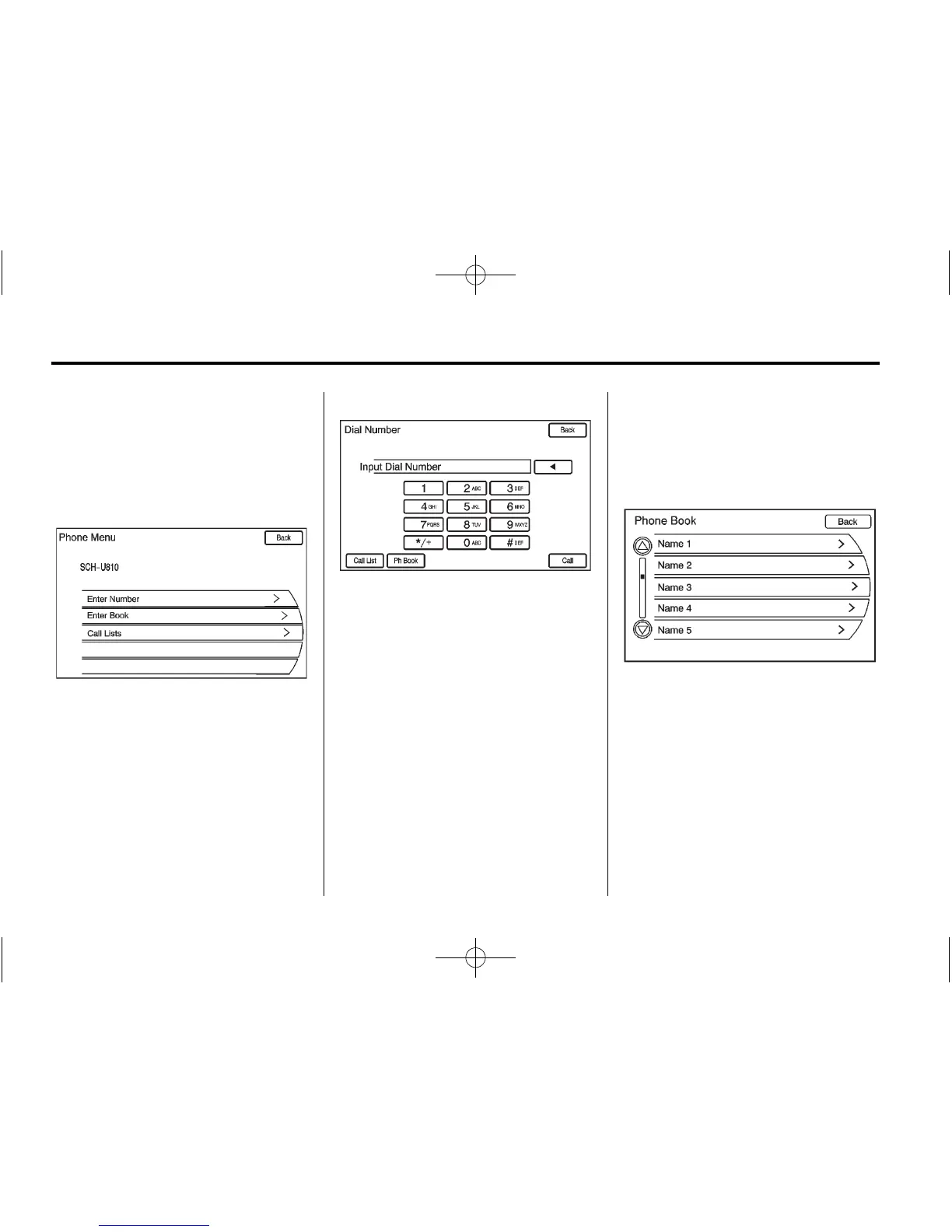
Enter Number
Use this option to enter a phone
number and make a call. To do this:
1. Turn the MENU/SEL knob, then
press it to select Enter Number
selection. A dial pad displays.
2. Enter the phone number by
pressing the numbers on
the keypad.
3. Press the Call button on the
screen to make the call.
Phone Book
The Phone Book feature is only
supported if that feature is available
on the Bluetooth phone. See your
cell phone manufacturer's user
guide for more information.
The phone book can be accessed
by pressing the Phone Book
selection on the Phone Menu
screen.
Turn the MENU/SEL knob to select
the person or place to call. Press
the MENU/SEL knob or press the
desired person or place to display
the number. Press the MENU/SEL
knob or press the number to make
the call.















 To Next Page