66 Infotainment System
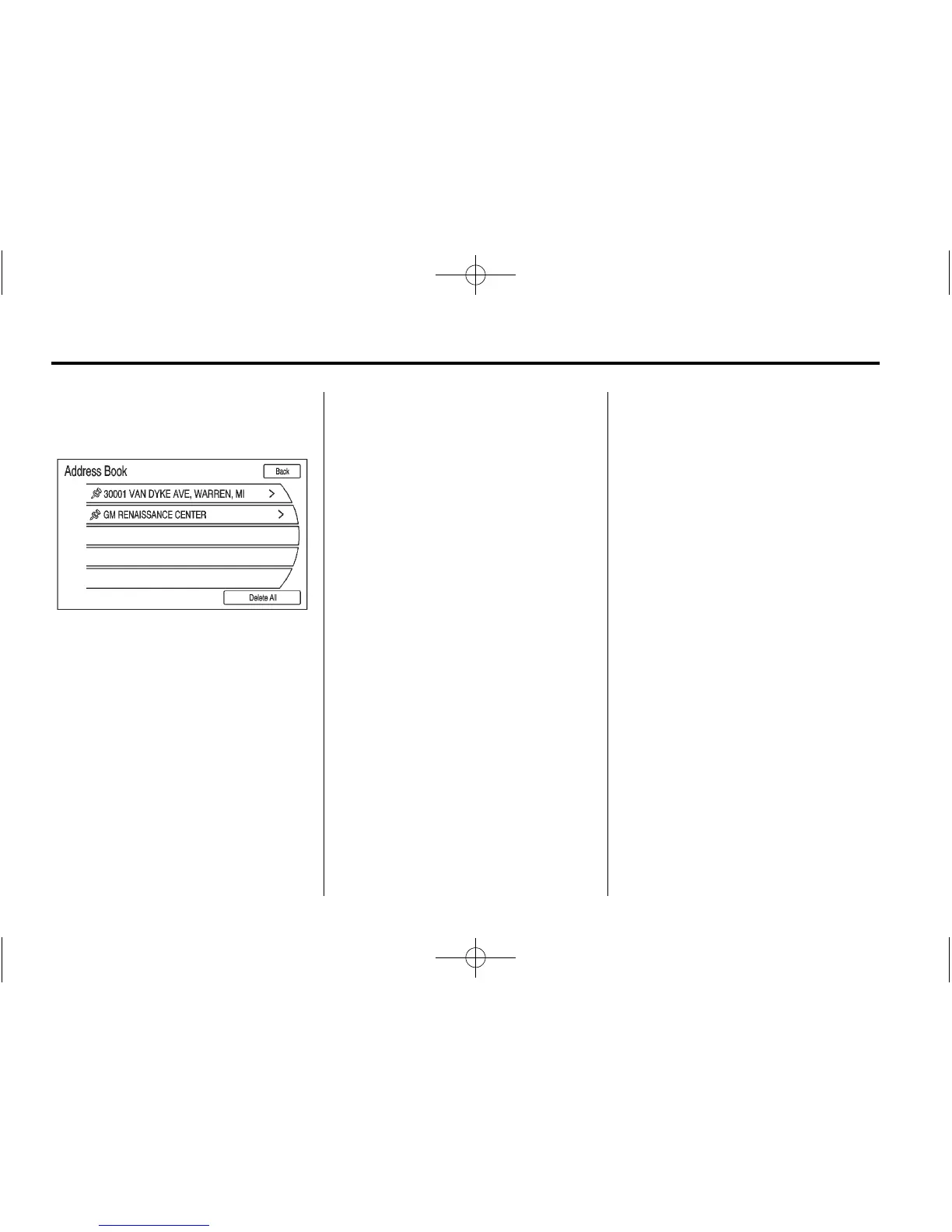
Address Book
Choose a destination by selecting
an address that has been stored in
the address book.
1. Press the DEST button.
2. Press the Address Book screen
button. A list displays the
address book entries.
3. Select the destination from
the list.
4. Press the Go screen button on
the confirmation screen if the
information is correct. The route
calculates.
5. Press to select the route
preference either for the Fastest,
Shortest, or Easiest. See
“Navigation Settings” under
Using the Navigation System on
page 50 for more information.
6. Press the Start Guidance screen
button and start the route.
Pick From Map
Select a destination by scrolling on
the map.
1. Press DEST.
2. Press the Pick From Map screen
button. A map screen with a
scroll symbol displays.
3. Press the Zoom in/out arrow
button on the screen and press
the map to locate the destination
to select. Press and hold a finger
on the map to activate fast
scrolling.
4. Press Go. The route calculates.
5. Press to select the route
preference either for the Fastest,
Shortest, or Easiest. See
“Navigation Settings” under
Using the Navigation System on
page 50 for more information.
6. Press the Start Guidance screen
button and start the route.















 To Next Page