74 Infotainment System
Show POI: Press to turn
POI on or off. Select from a
list of six pre-programmed POI
sub-categories. Scroll through a list
of categories, or select nearby and
on route options.
Press this screen button to minimize
the guidance window and expand
the map window.
Whole Route: Press to view the
entire route from starting point to
destination on the map.
Cancel Guidance: Press to stop
the current route.
OnStar
®
Destination
Download
The Destination Download lets
an OnStar
®
subscriber ask the
OnStar call center to download a
destination. OnStar will send
address information and location
coordinates of the destination into
the navigation system.
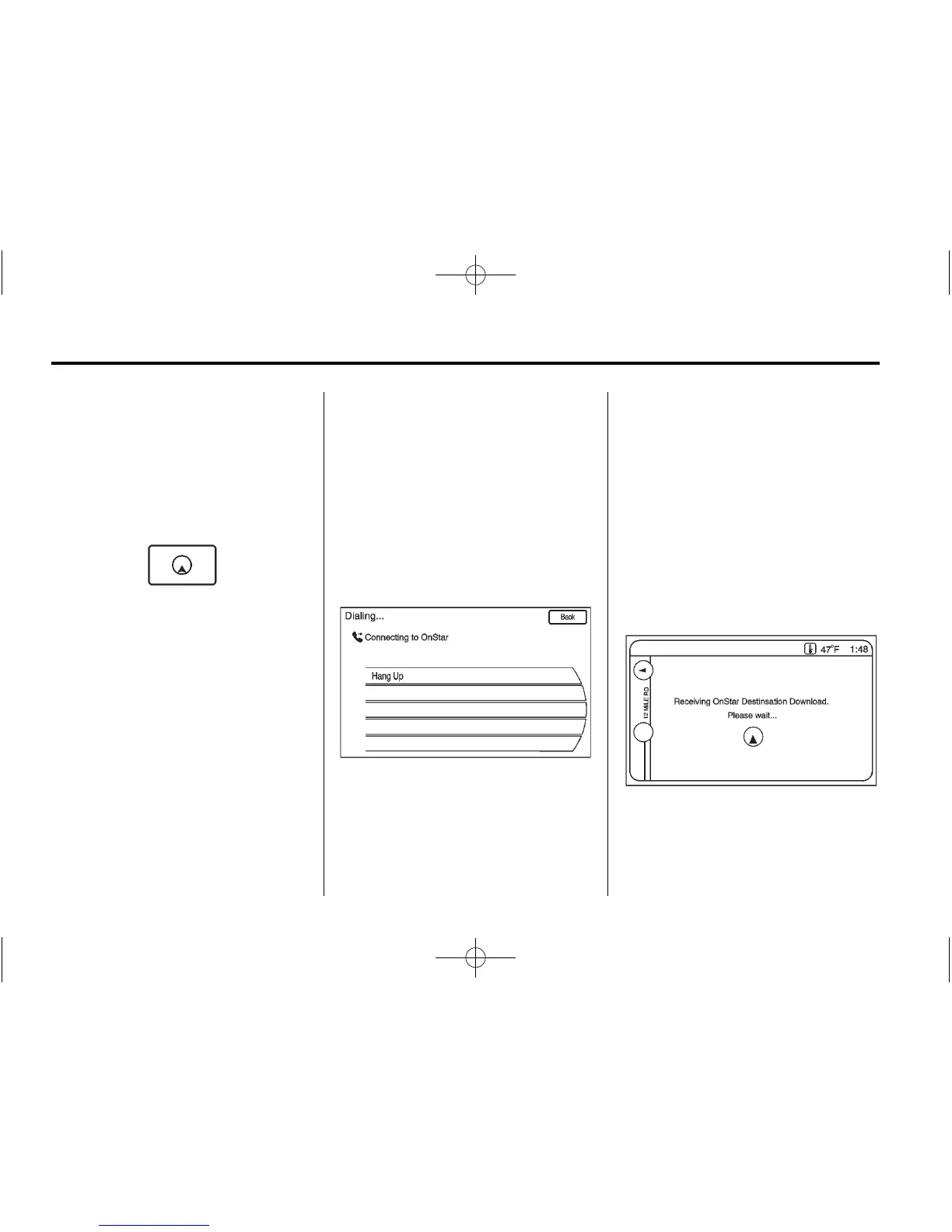
OnStar Destination Download
Screen
Using Destination Download
If the navigation radio screen is
turned off before a download, the
system automatically turns the
screen on and displays a download
confirmation message. The radio
remains on after the download.
The navigation system displays a
“Please wait” as the address is
searched within the map database.















 To Next Page