Infotainment System 85
Display
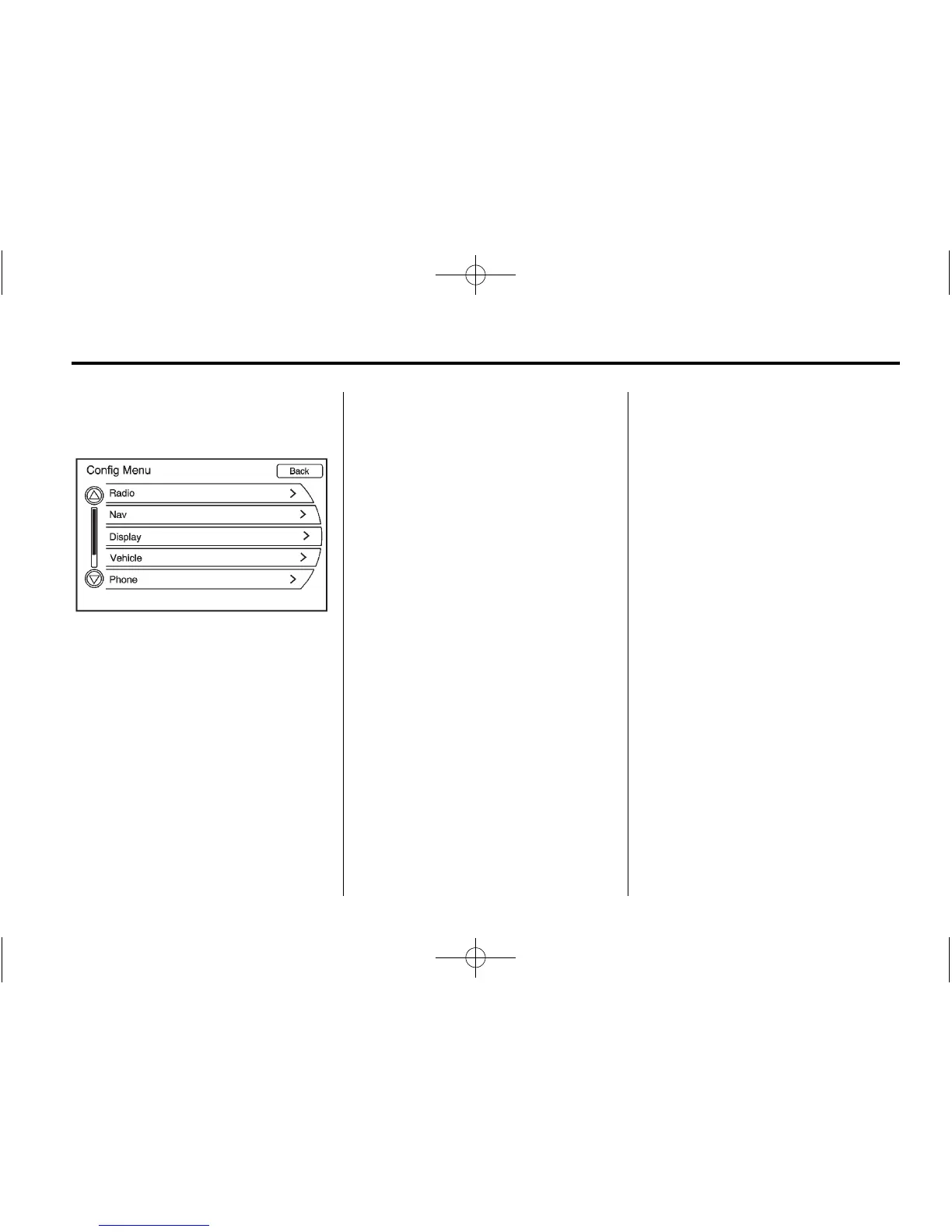
Press CONFIG to enter the Config
Menu features. Turn the MENU/SEL
knob until Display appears. Press
the MENU/SEL knob or press the
Display screen button.
Dimming Mode
Auto (Automatic): Automatically
adjust the screen background
depending on exterior lighting
conditions.
Day: The map background
brightens.
Night: The map background
darkens.
To change the overall brightness
setting for the display, use the
vehicle interior lighting dimming
control.
Setting the Clock
To set the time:
1. Press CONFIG to enter the
Config Menu features. Turn the
MENU/SEL knob until Time
displays. Press the MENU/SEL
knob or press the Time screen
button.
2. Press the Hours and Minutes –
and + signs to decrease and to
increase the time.
12/24 HR Format: Press the
12 HR screen button for standard
time; select the 24 HR screen
button for military time.
Day + or Day −: Press the Day +
or Day − display buttons to increase
or decrease the day.
Display: Press the Display screen
button to turn the clock display on
the screen on or off.















 To Next Page