84 Infotainment System
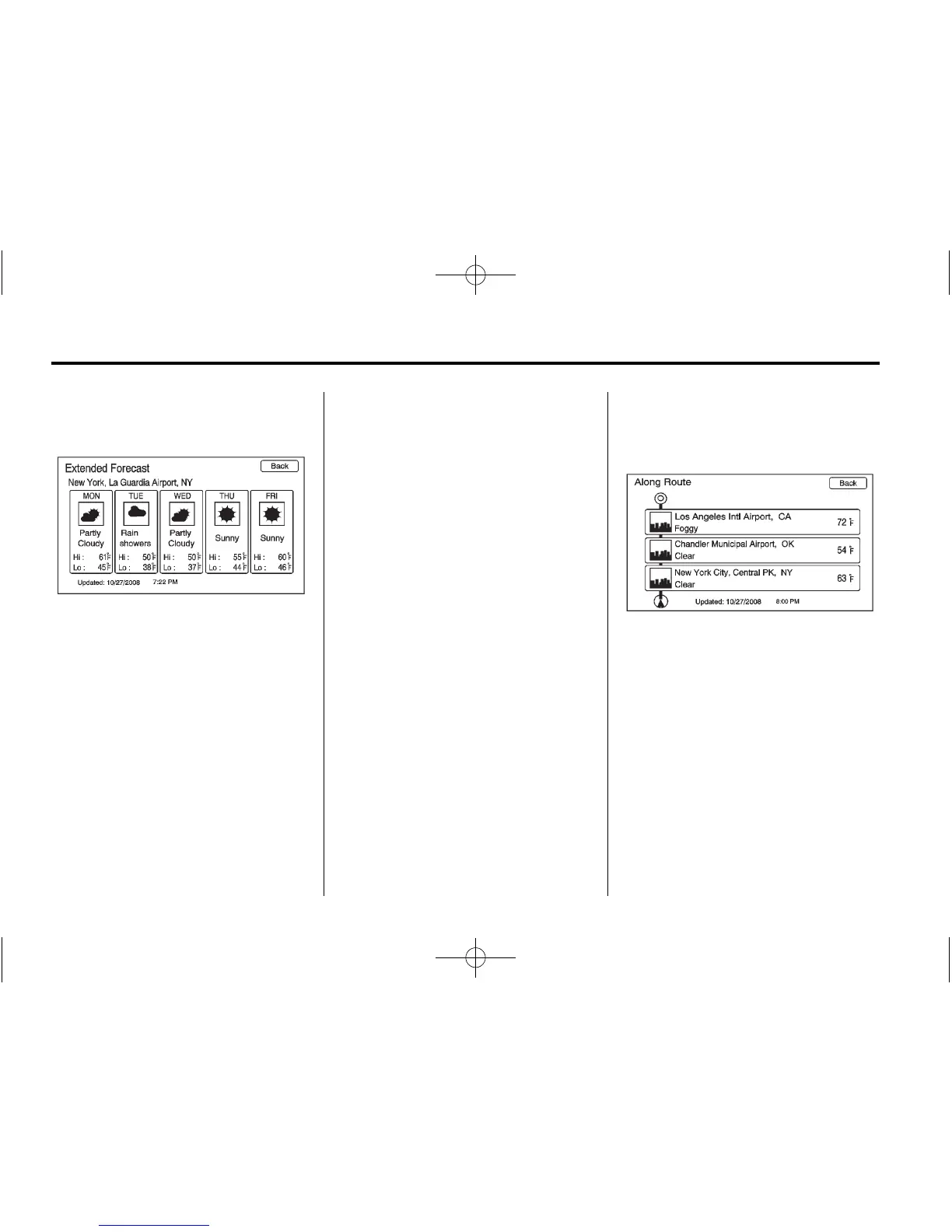
Extended Forecast
Select the Menu button by pressing
the Enter screen button or press the
Menu button on the screen to show
the Weather Menu screen. From
this screen, select the Extended
Forecast screen button.
Weather Along the Route
If a destination is set while driving
along the route, there is the option
to view weather conditions for up to
three locations:
.
Current vehicle’s position.
.
Midway point from current
position to final destination.
.
The current weather condition of
the destination city.
From the XM Weather Menu
Screen, select Along the Route:
Weather Alerts
From the XM Weather Menu, select
Weather Alerts to display any
current weather advisory warnings
in effect near the current position.















 To Next Page