Infotainment System 103
Pairing a Phone Using
the Infotainment System
Pairing a Phone Using the
Infotainment System
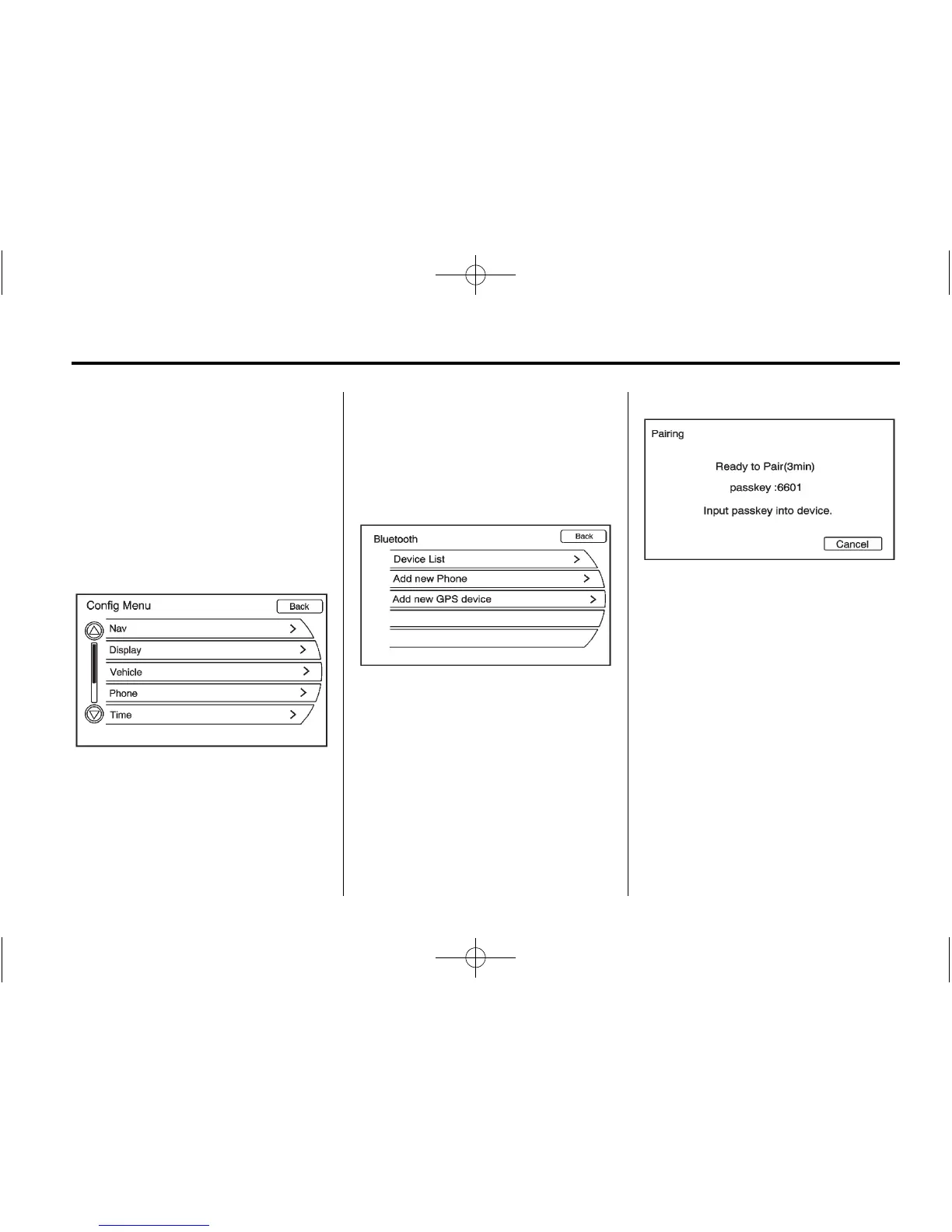
The pairing process can be started
by using the controls on the
infotainment system.
1. Press the CONFIG button. Turn
the MENU/SEL knob until the
Phone menu displays. Press the
MENU/SEL knob or press the
Phone screen button to display
other options.
2. Turn the MENU/SEL knob until
Bluetooth displays. Press the
MENU/SEL knob or press the
Bluetooth screen button to
display other options.
3. Select “Add New Phone.” Start
the pairing process on the cell
phone that you want to pair. See
the cell phone manufacturer's
user guide for information on
this process.
On the cell phone, locate the
device named “Your Vehicle.”
Follow the instructions given
on the cell phone to enter the
four-digit Personal Identification
Number (PIN) that has been
provided.















 To Next Page