104 Infotainment System
4. The system voice prompt
requests that you say the name
you want used for the phone that
is being paired. Use a name that
best describes the phone. The
system voice prompt then
repeats the name you provided
for confirmation: say “Yes.”
5. The system responds with
“phone name has been
successfully paired” after the
pairing process is complete.
Listing All Paired and Connected
Phones
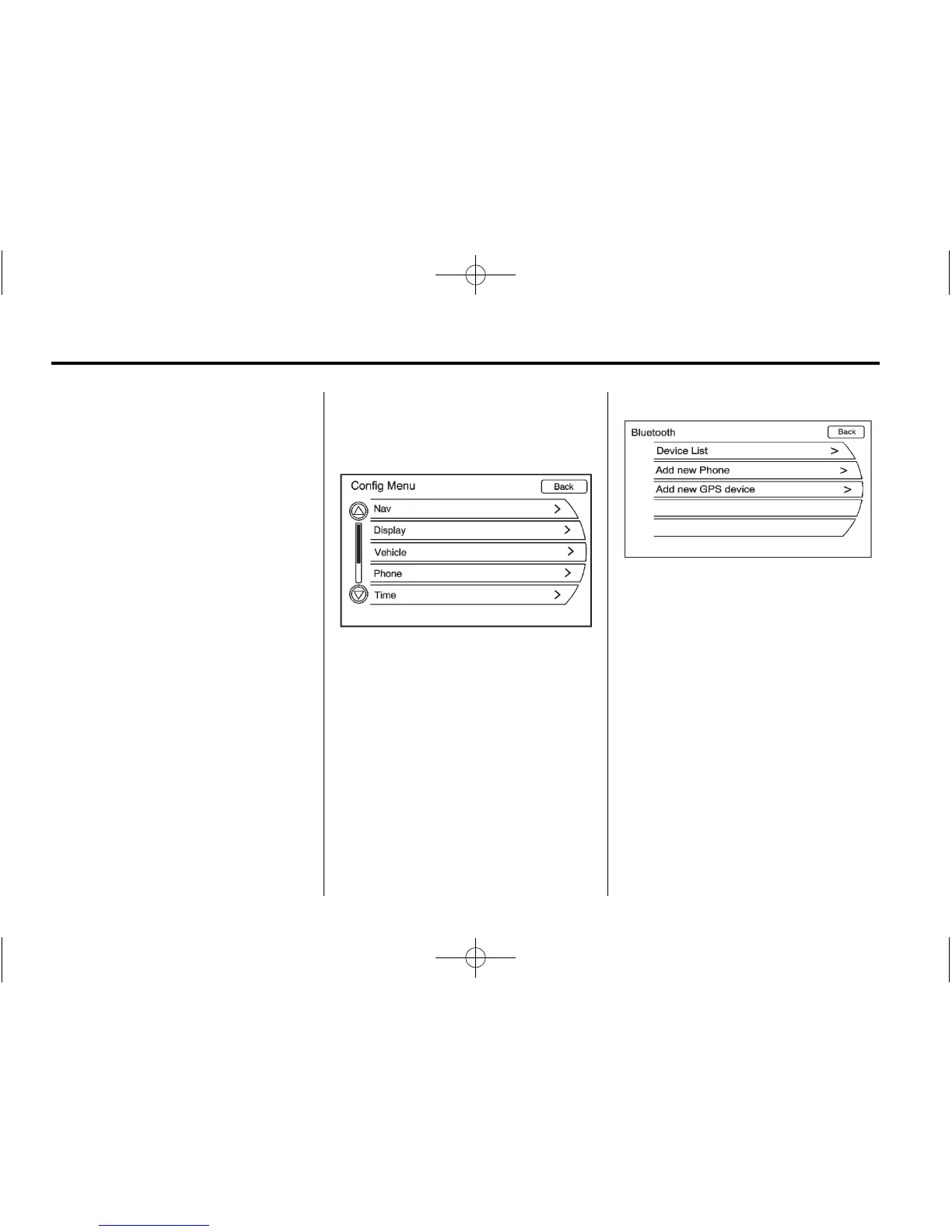
1. Press the CONFIG button. Turn
the MENU/SEL knob until the
Phone menu displays. Press the
MENU/SEL knob or press the
Phone screen button to display
other options.
2. Turn the MENU/SEL knob until
Bluetooth displays. Press the
MENU/SEL knob or press the
Bluetooth screen button to
display other options.















 To Next Page