Infotainment System 105
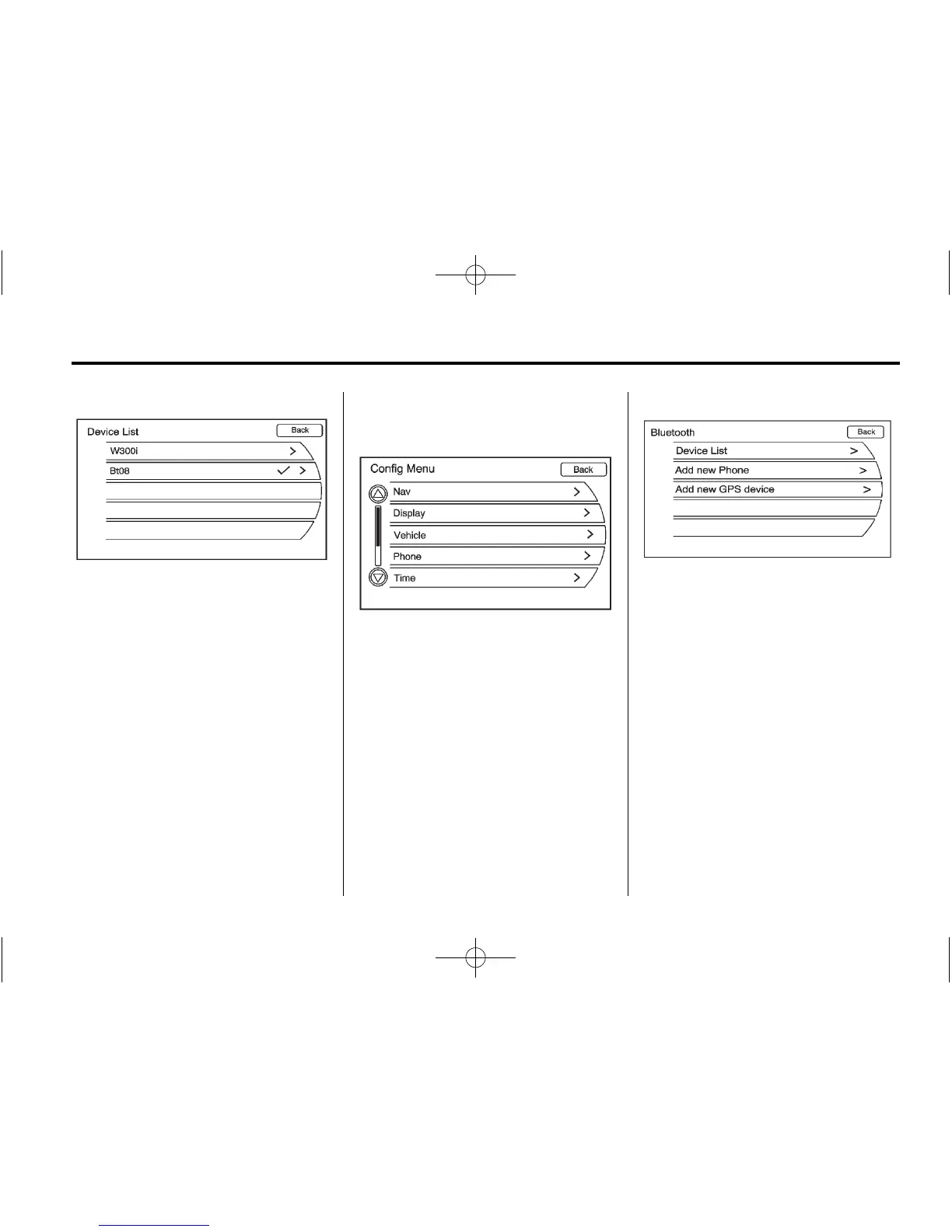
3. Turn the MENU/SEL knob until
Device List displays. Press the
MENU/SEL knob or press the
Device List screen button to
display other options.
A list of all currently paired phones
will be displayed. If there is a
currently connected phone, a
checkmark will appear on the
right side of the phone name.
Deleting a Paired Phone
1. Press the CONFIG button. Turn
the MENU/SEL knob until the
Phone menu displays. Press the
MENU/SEL knob or press the
Phone screen button to display
other options.
2. Turn the MENU/SEL knob until
Bluetooth displays. Press the
MENU/SEL knob or press the
Bluetooth screen button to
display other options.















 To Next Page