Infotainment System 83
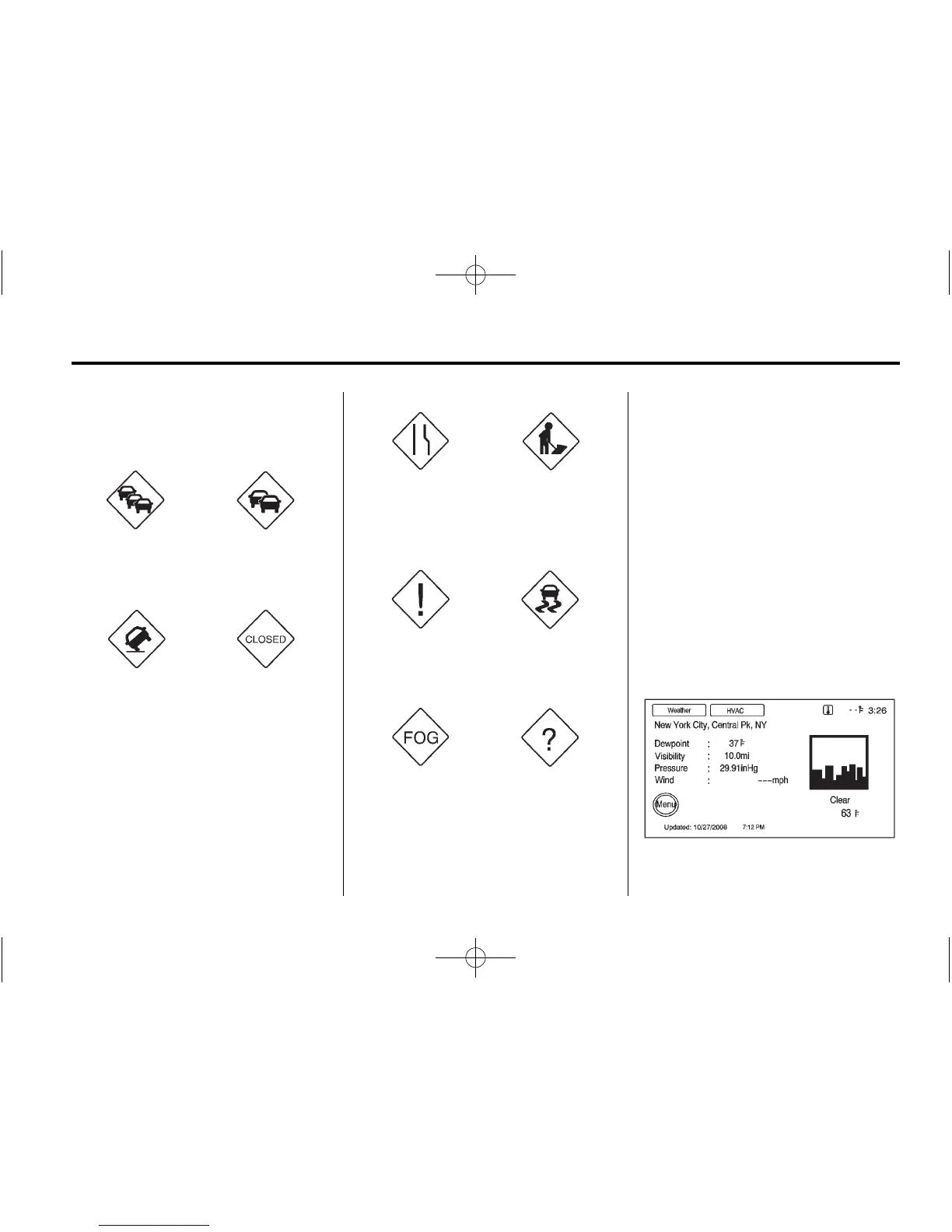
Traffic Condition Symbols
The following are traffic condition
symbols may display:
Stopped Traffic Traffic Jam
Accident Road Closed
Lane Narrows Road Work,
Construction
Alert Road Condition
Road Visibility Other
XM™ Weather (if equipped)
Press INFO, then press INFO again
until the Weather screen button is
selected or press the Weather
screen button.
Current Condition
Press INFO until the Weather
screen is selected to show the
current weather condition of the city
of the vehicle’s current position.
Allow up to 15 minutes for the
current weather in the area to
display.















 To Next Page