Infotainment System 65
7. Select the POI name.
8. If the POI is correct, press Go.
the route is calculated.
9. Press to select the route
preference either for the Fastest,
Shortest, or Easiest.
10. Press the Start Guidance
screen button and start the
route.
Selecting a POI Category
1. Press DEST.
2. Press the Point of Interest
screen button.
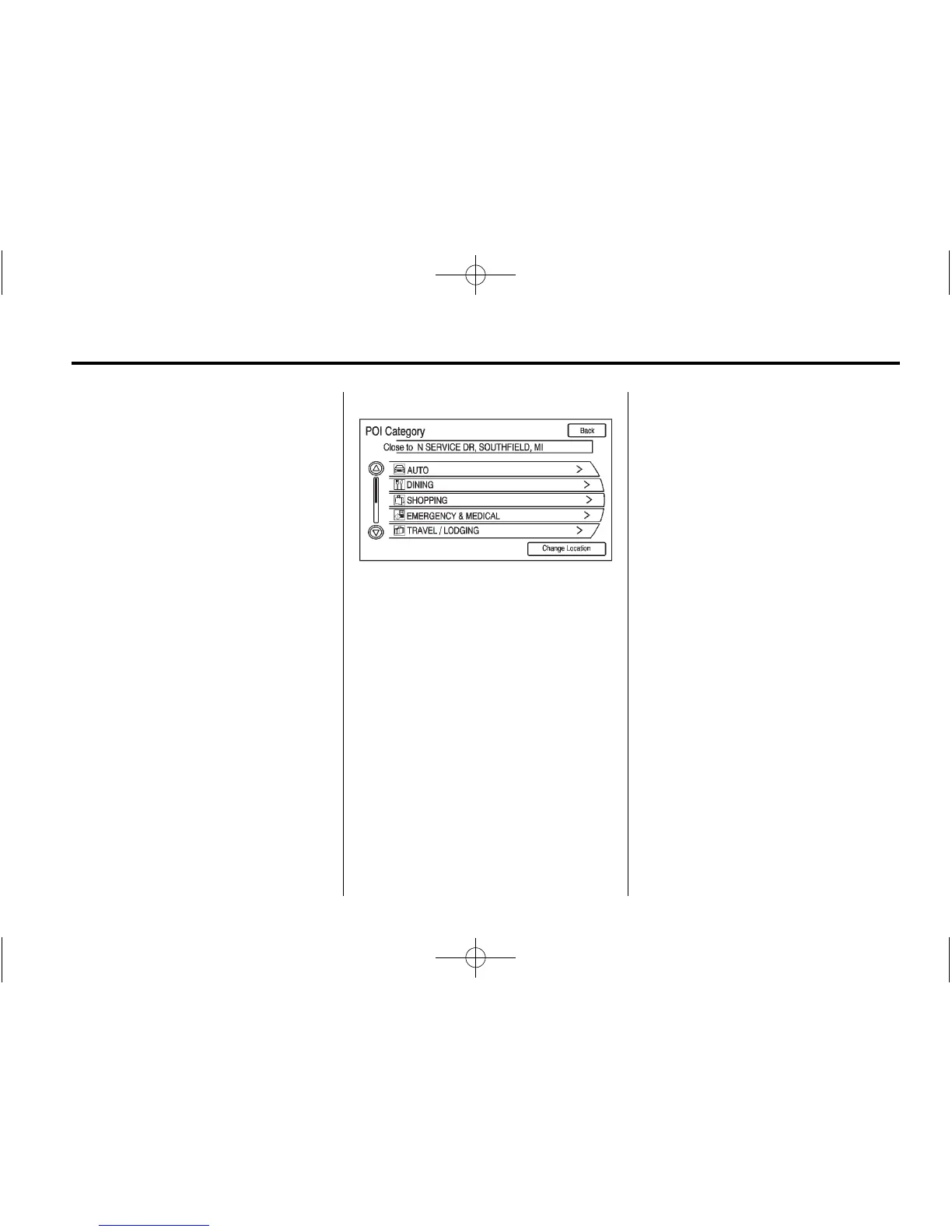
3. Press the Browse POI
Categories screen button.
4. Select a category, then a
sub-category.
The available POI names
display.
5. Select the POI name.
6. If the POI is correct, press Go.
The route calculates.
7. Press to select the route
preference either for the Fastest,
Shortest, or Easiest.
8. Press the Start Guidance screen
button and start the route.
Previous Destination
Select a destination from a list of
previous destinations. Up to
15 points that have been previously
entered can be recalled. If the
list is full, the oldest destinations
automatically are deleted once the
newest destinations are added.
1. Press the DEST button.
2. Press the Previous Destination
screen button. A list displays the
previous destinations.
3. Select the Destination.
4. Press the Go screen button if
the information is correct and the
route is calculated.
5. Press to select the route
preference either for the Fastest,
Shortest, or Easiest. See
“Navigation Settings” under
Using the Navigation System on
page 50 for more information.
6. Press the Start Guidance screen
button and start the route.















 To Next Page