Infotainment System 67
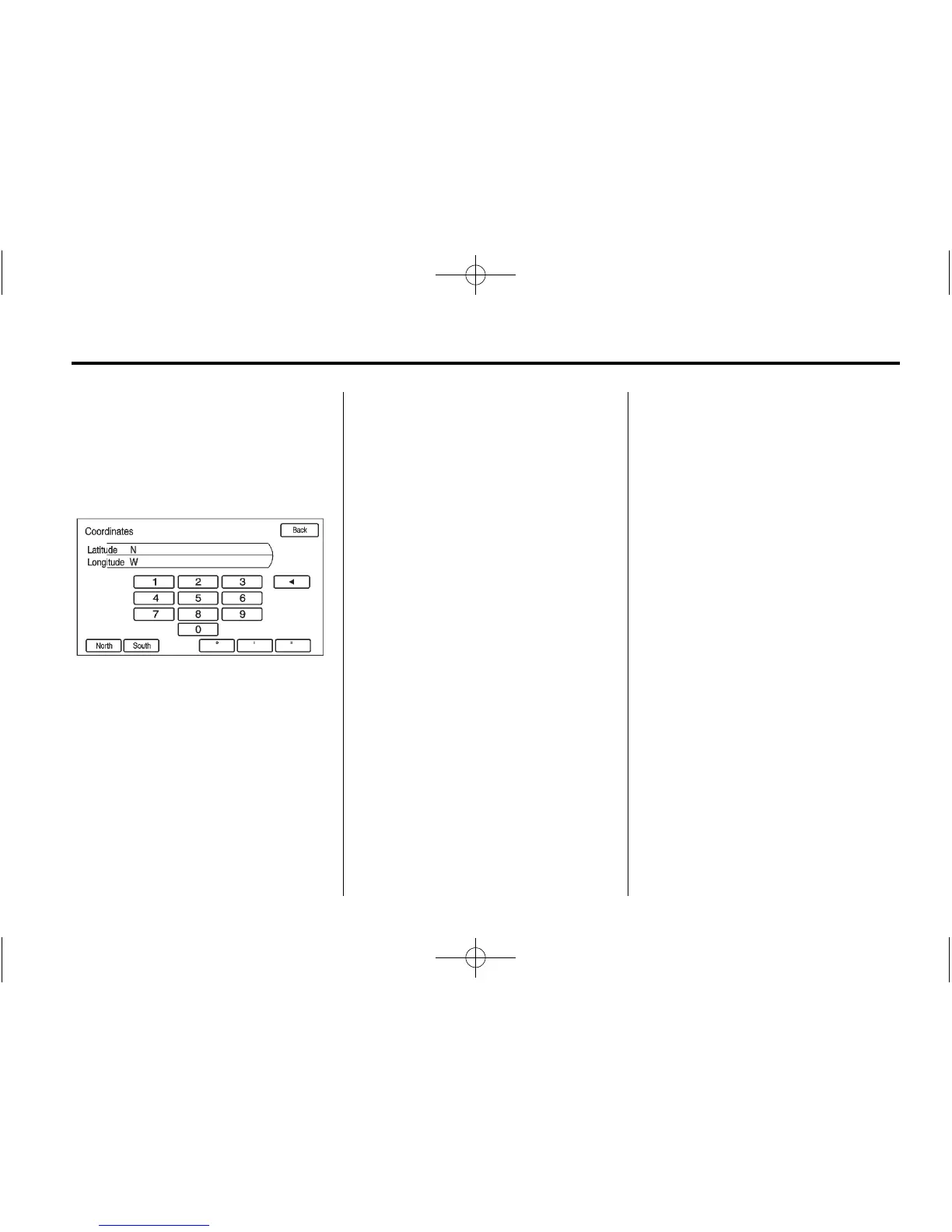
Lat/Long Coordinates
Choose a destination based on
Latitude and Longitudinal
coordinates.
Enter in the location as coordinates,
Latitude and Longitude.
1. Press DEST.
2. Press the Lat/Long screen
button.
3. Enter the coordinates for the
destination in degrees, minutes,
and seconds.
4. Press Go. The route calculates.
5. Press to select the route
preference either for the Fastest,
Shortest, or Easiest. See
“Navigation Settings” under
Using the Navigation System on
page 50 for more information.
6. Press the Start Guidance screen
button and start the route.
Preset Destination
Set a destination by selecting
from one of six previously stored
destinations. If a destination is
not set for one of the screen
buttons, the button dims and
is not available to use.
See “Previous Destinations” later
in this section for information on
how to delete or add a preset
destination.
1. Press the DEST button.
2. Press one of the available
Preset Destination screen
buttons. The screen buttons
were stored with the name
selected. The route is
calculated.
3. Press to select the route
preference either or Fastest,
Shortest, or Easiest. See
“Navigation Settings” under
Using the Navigation System on
page 50 for more information.
4. Press the Start Guidance screen
button and start the route.















 To Next Page