20 Infotainment System
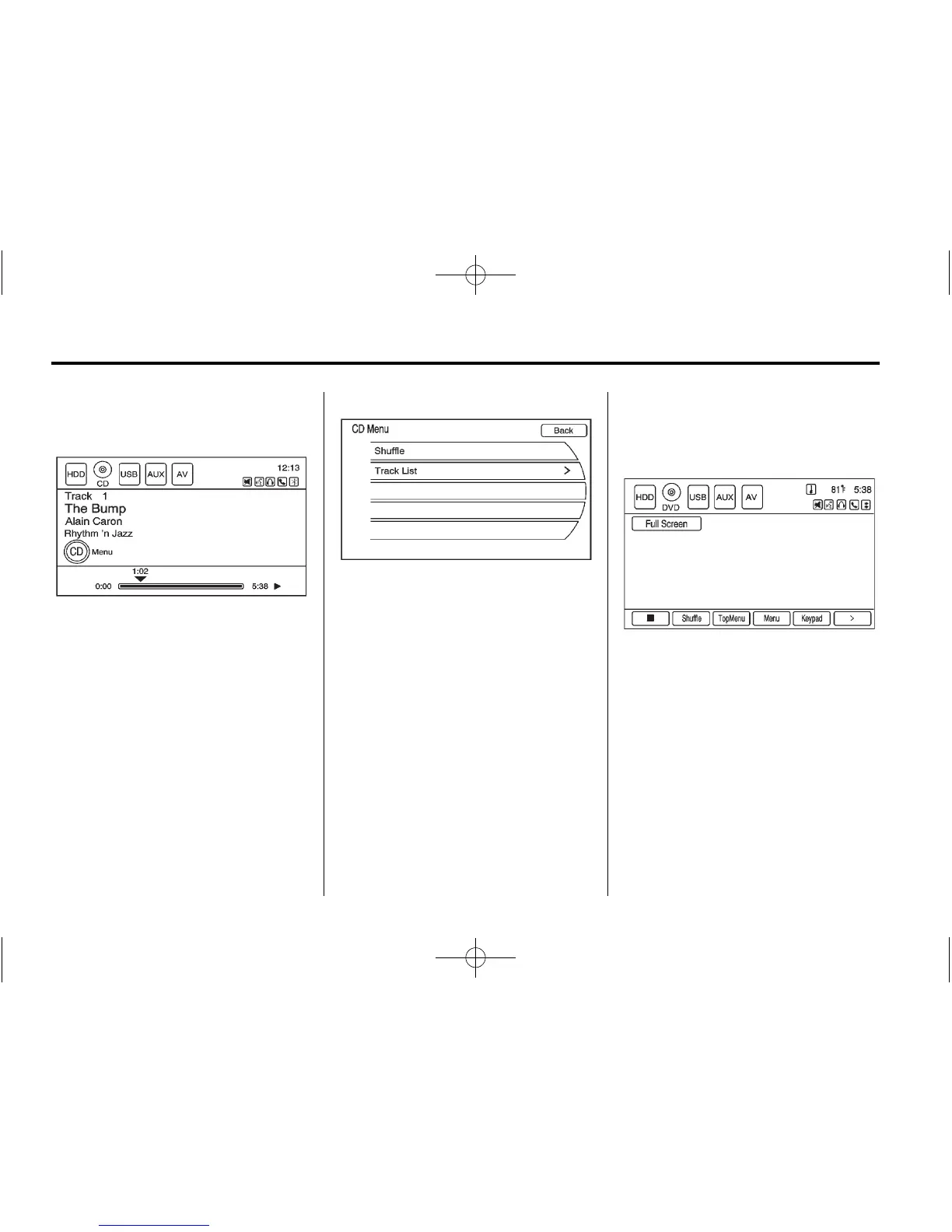
CD Menu
Press the CD Menu screen button
to display the CD Menu.
Shuffle: Plays the tracks randomly.
Press again to stop shuffle.
Track List: Displays the list of
tracks on the disc. Select the track.
The selected track plays and the
CD screen displays.
Playing an Audio and
Video DVD
To view the DVD video, the vehicle
must be in P (Park) for an automatic
transmission or the parking brake
must be engaged for a manual
transmission.
Insert the DVD; the menu options
display on the DVD screen.
The menu options time out and a
full screen appears after about
10 seconds.















 To Next Page