Infotainment System 29
SELECT (Multifunction Knob):
1. Press to display the track list.
For example, if in artist mode it
only displays the track by the
selected artist.
2. Select the desired track from
the list. The system plays the
selected track and returns to the
HDD screen.
DEL (Delete):
1. Select the song from the HDD
Music Menu screen to delete.
2. Press DEL to delete the
selected song.
To delete an entire list of Artists,
Albums, or Genres, select the
category from the HDD Music Menu
screen.
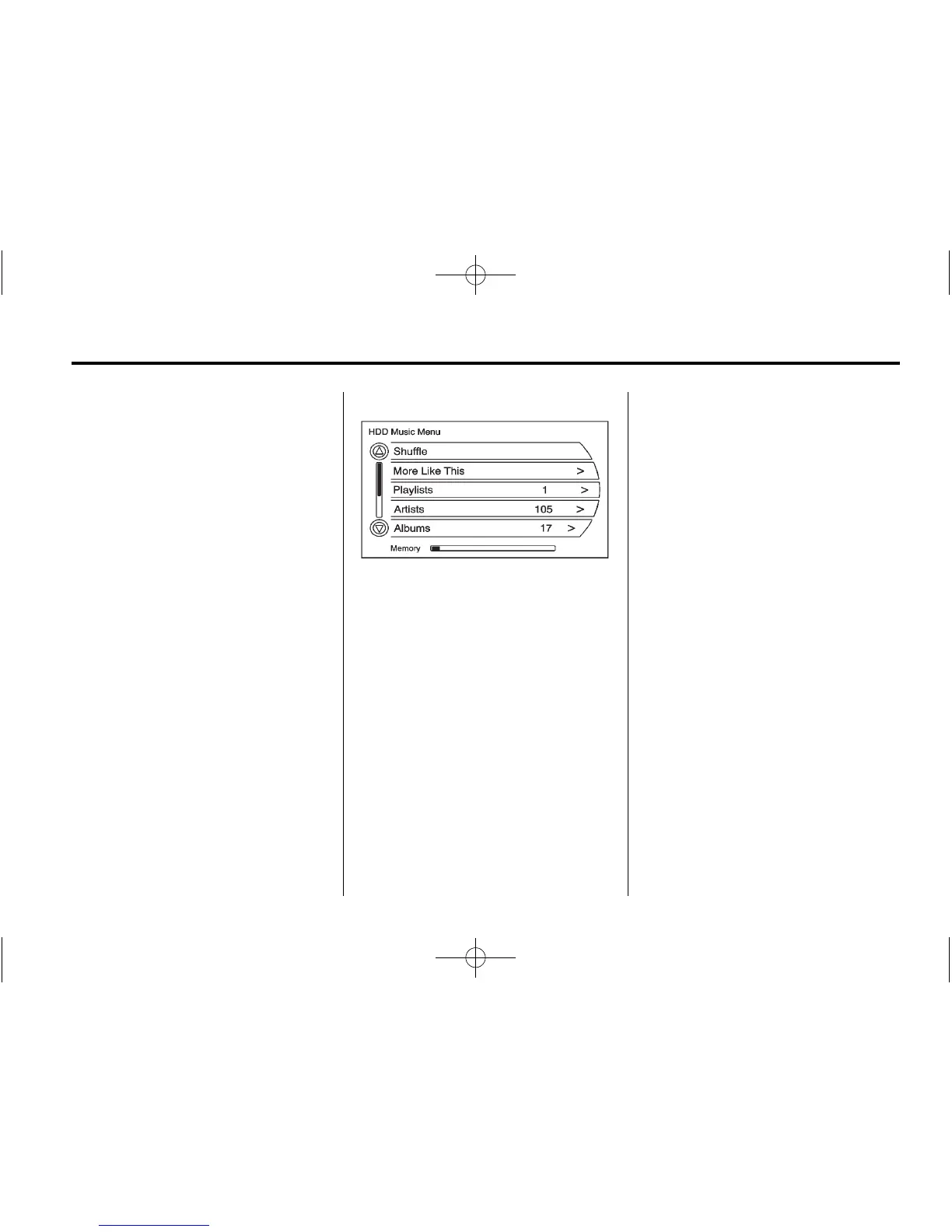
HDD Music Menu
From the HDD screen, press the
HDD Menu screen button on the
HDD screen to display the HDD
Music Menu.
Select any of the following buttons
on the HDD Music Menu:
Shuffle: Select to play the tracks
randomly.
More Like This:
1. Press this screen button to use
Gracenote music recognition
technology and related data to
generate a list of songs similar
to the current song.
2. Select a song from the list.
This feature is only available with
songs recorded to the HDD from
Audio CDs, not MP3s and other
compressed audio.
When recording CDs to the HDD
there might be delays to build the
list until all the files are compressed.
Playlists:
1. Press to view the playlists on the
hard drive.
2. Select a playlist to view a list of
all songs in the playlist.
3. Select a song from the list. Once
selected, Playlist Mode displays.
Artists:
1. Press to view the artists on the
hard drive.
2. Select an artist to view a list of
all songs by that artist.
3. Select a song from the list. Once
selected, Artist Mode displays.















 To Next Page