34 Infotainment System
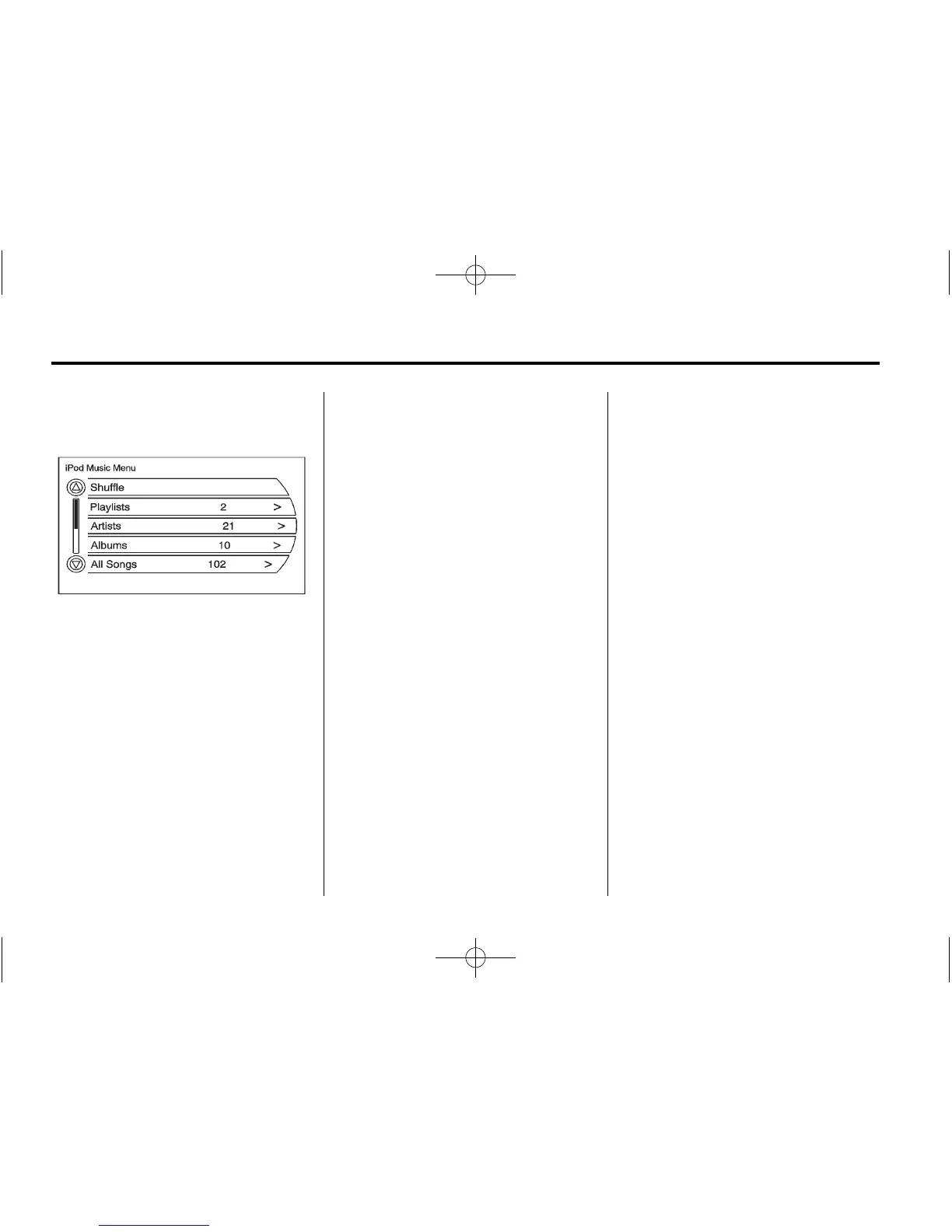
iPod Music Menu
Select any of these buttons on the
iPod Music Menu to display the
corresponding screen:
Shuffle:
1. Select to play the tracks
randomly.
2. Select again to stop this
function.
Playlists:
1. Press to view the playlists that
have been stored on the iPod.
2. Select a playlist name to view a
list of all songs in the playlist.
3. Select the desired song from the
list. Once a song has been
selected, Playlist Mode displays
on the iPod main screen to show
that music is playing from a
playlist.
Artists:
1. Press to view the artists that
have been stored on the iPod.
2. Select an artist name to view a
list of all songs by the artist.
3. Select the desired song from the
list. Once a song has been
selected, Artist Mode appears on
the iPod main screen to show
that music is being played from
a specific artist.
Albums:
1. Press to view the albums that
have been stored on the iPod.
2. Select an album name to view a
list of all songs on the album.
3. Select the desired song from the
list. Once a song has been
selected, Album Mode appears
on the iPod main screen to show
that music is being played from
a specific album.
All Songs:
1. Press to view a list of all songs
stored on the iPod.
2. Select the desired song from the
list. Once a song has been
selected, All Songs Mode
appears on the iPod main
screen to show that music is
being played from the All Songs
category.















 To Next Page